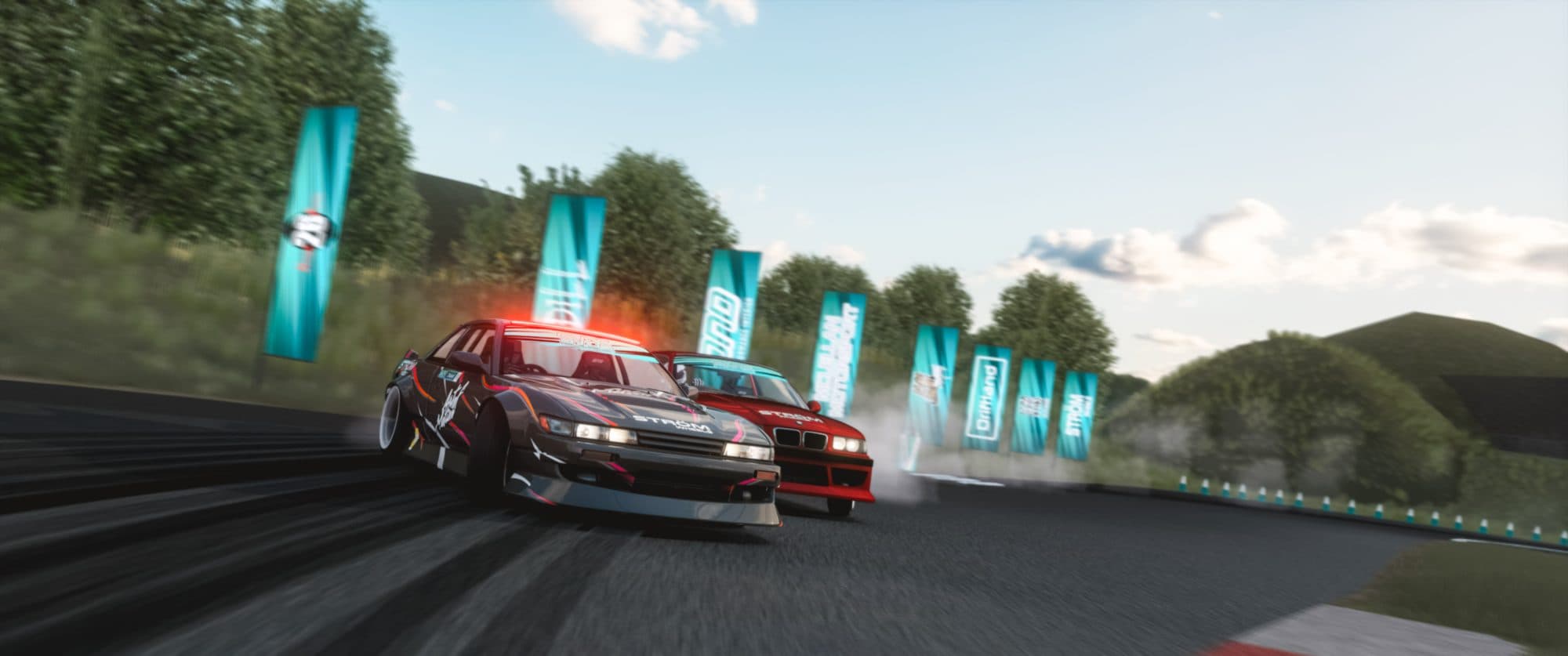
Assetto Corsa Server Hosting,
Freeroam or Racing in 60s
Rent an Assetto Corsa server and run a modded cruise map or a full race weekend from one panel — AssettoServer, Custom Shaders Patch and your own cars and tracks, live in under a minute.
Two ways to play
AssettoServer Freeroam or Kunos Racing. Your Call.
Every plan runs either server type at the same price. Pick your world when you deploy — the specs, the panel and the mod support are identical.
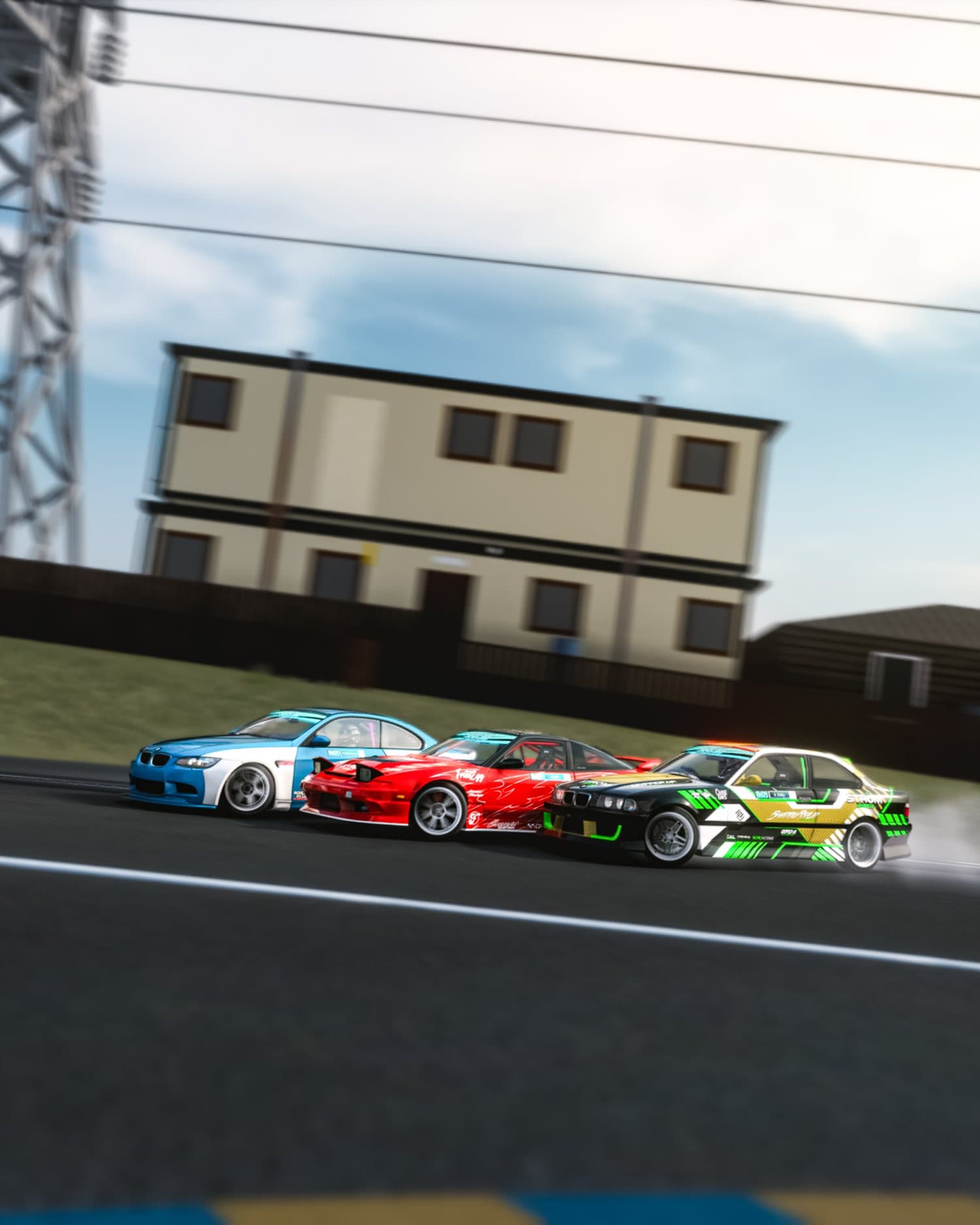
Freeroam & Cruise
Open-world driving with AI traffic, dynamic weather and community maps. Built for cruising, touge runs, car meets and role-play — no lap limits, just drive.
- AI traffic with adjustable density
- WeatherFX & RainFX dynamic weather
- CSP + Sol maps: Shutoko, LA Canyons, Pacific Coast
- Every AssettoServer plugin — free on every plan
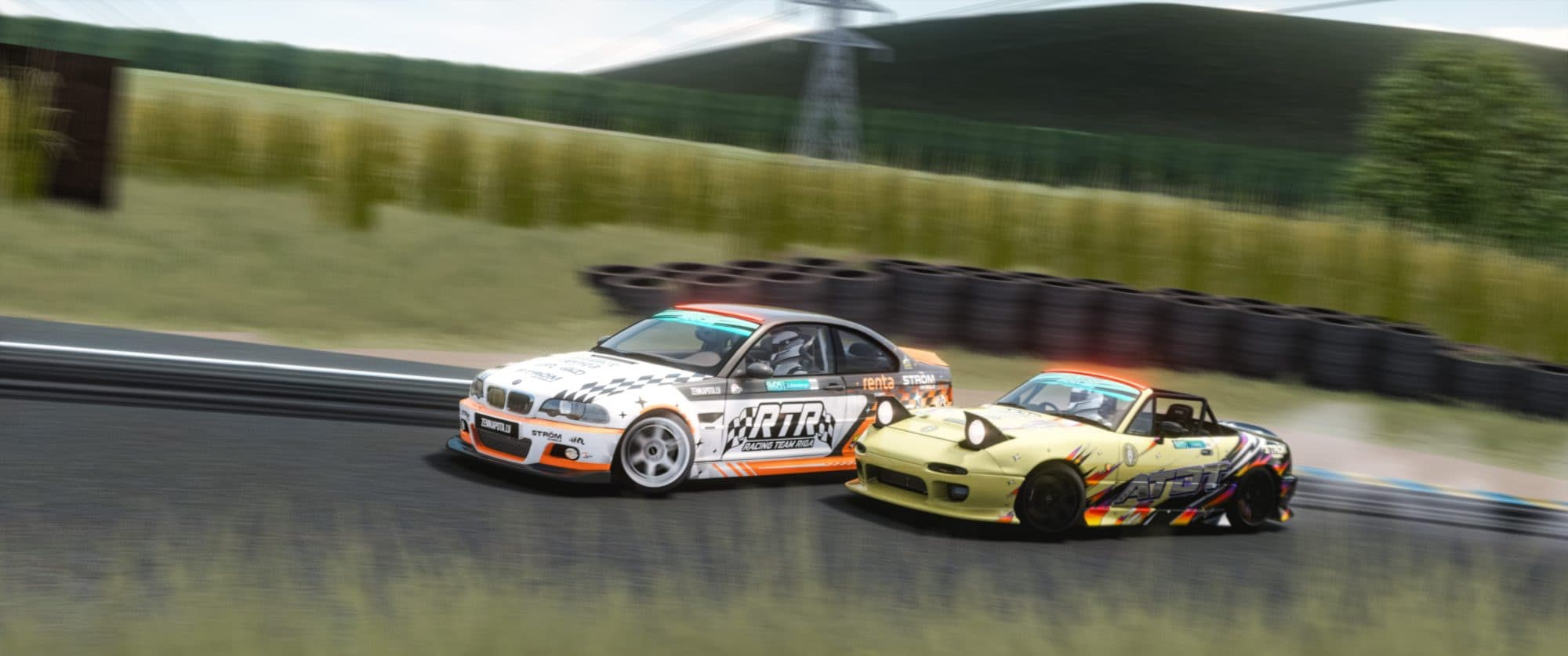
Circuit Racing & Leagues
Structured race weekends on laser-scanned tracks. Practice, qualify and race a fixed grid — with the rules editor and safety ratings leagues actually run on.
- Practice / Qualify / Race sessions
- Booking mode + fixed grid order
- Ballast, fuel, damage & tyre-wear presets
- KissMyRank safety ratings, penalties & results
Your garage
The Cars & Tracks Your Grid Runs
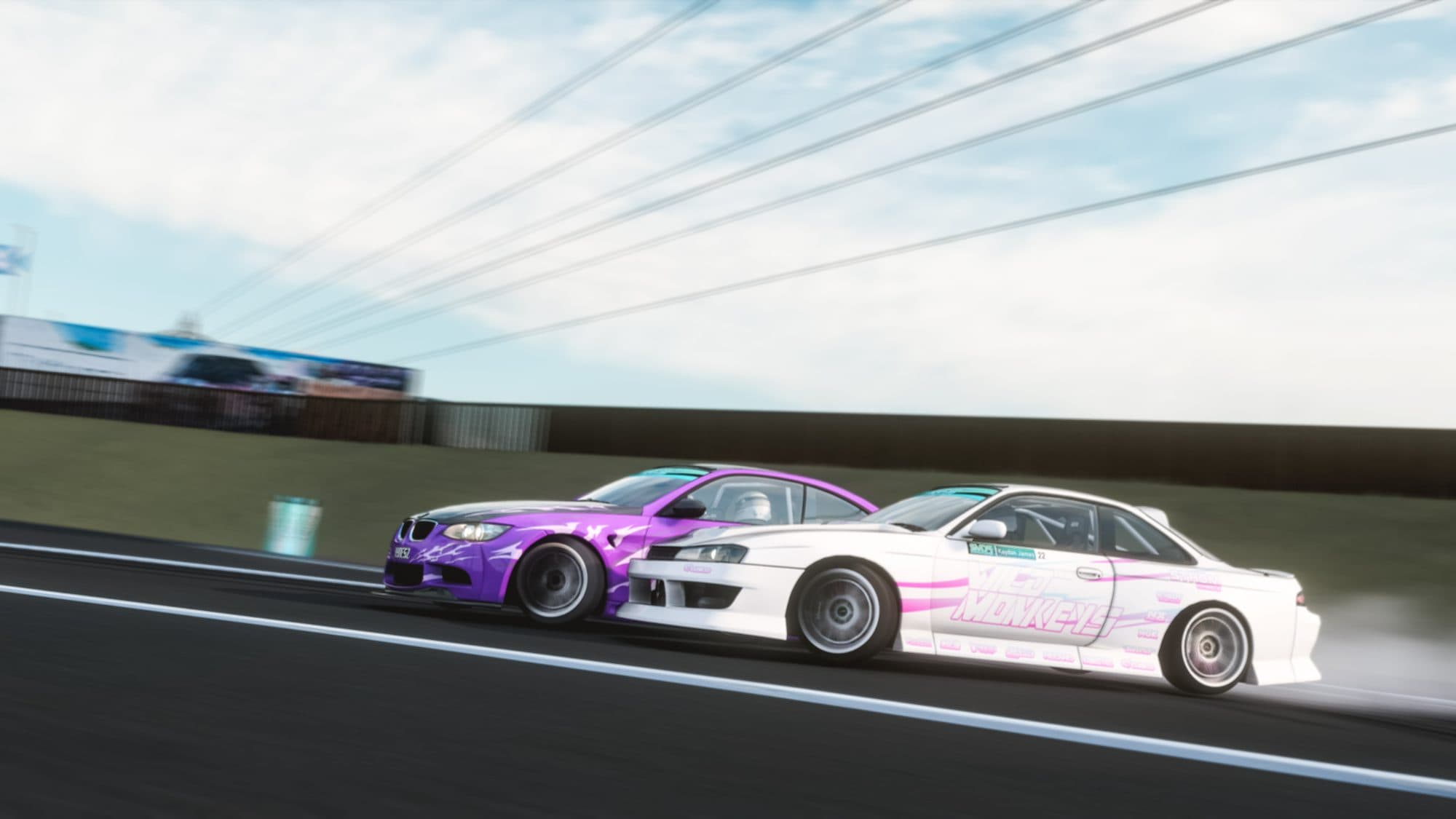
Every car and track on your server, synced to everyone who joins. Upload from Content Manager or drop a ZIP — there is no allowlist beyond your plan storage.
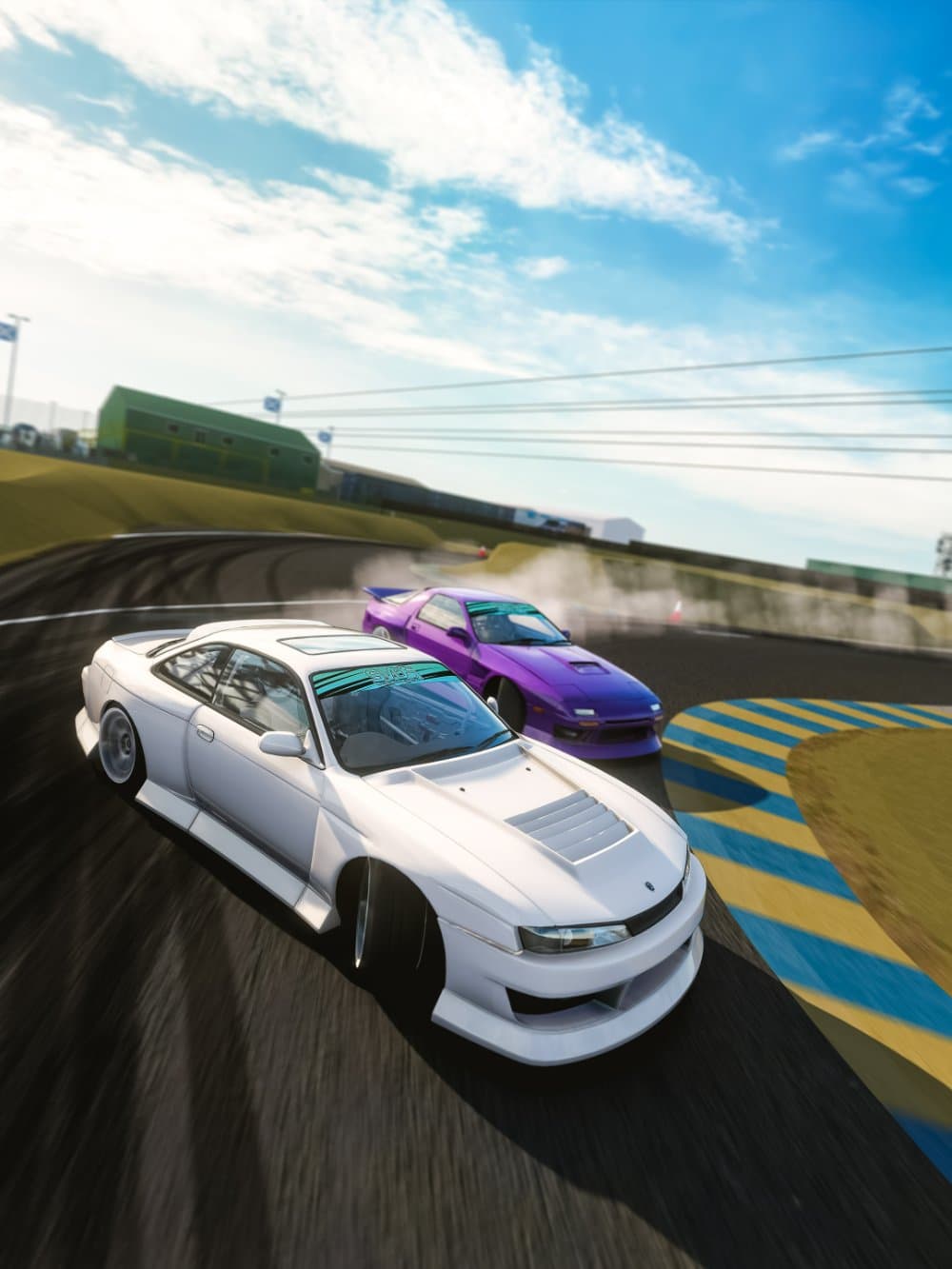 S14 · SILVIA
 E92 · WRTA
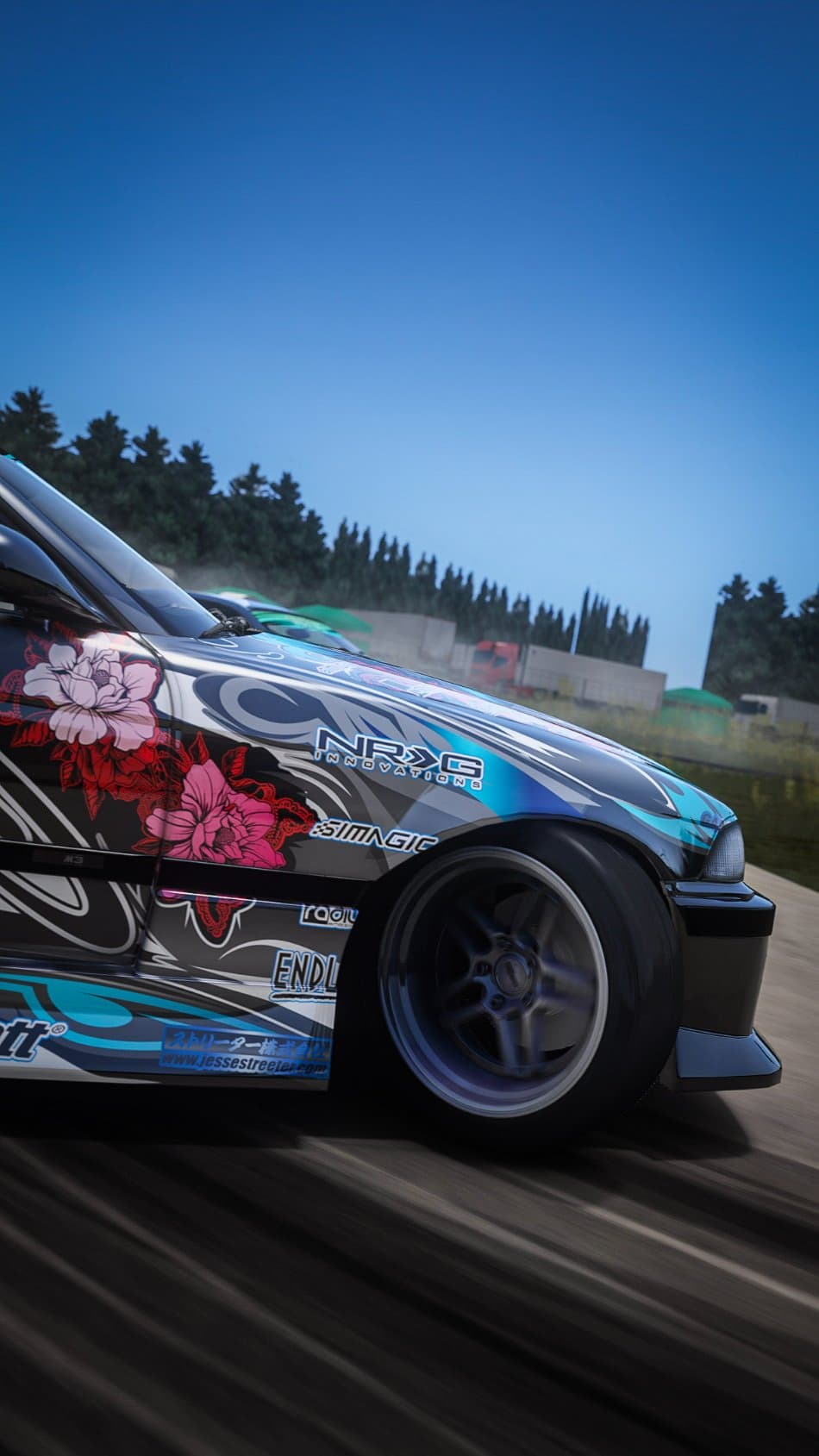 E36 · SAKURA
 M3 vs S13
 180SX · CARBON
 180SX · SVDS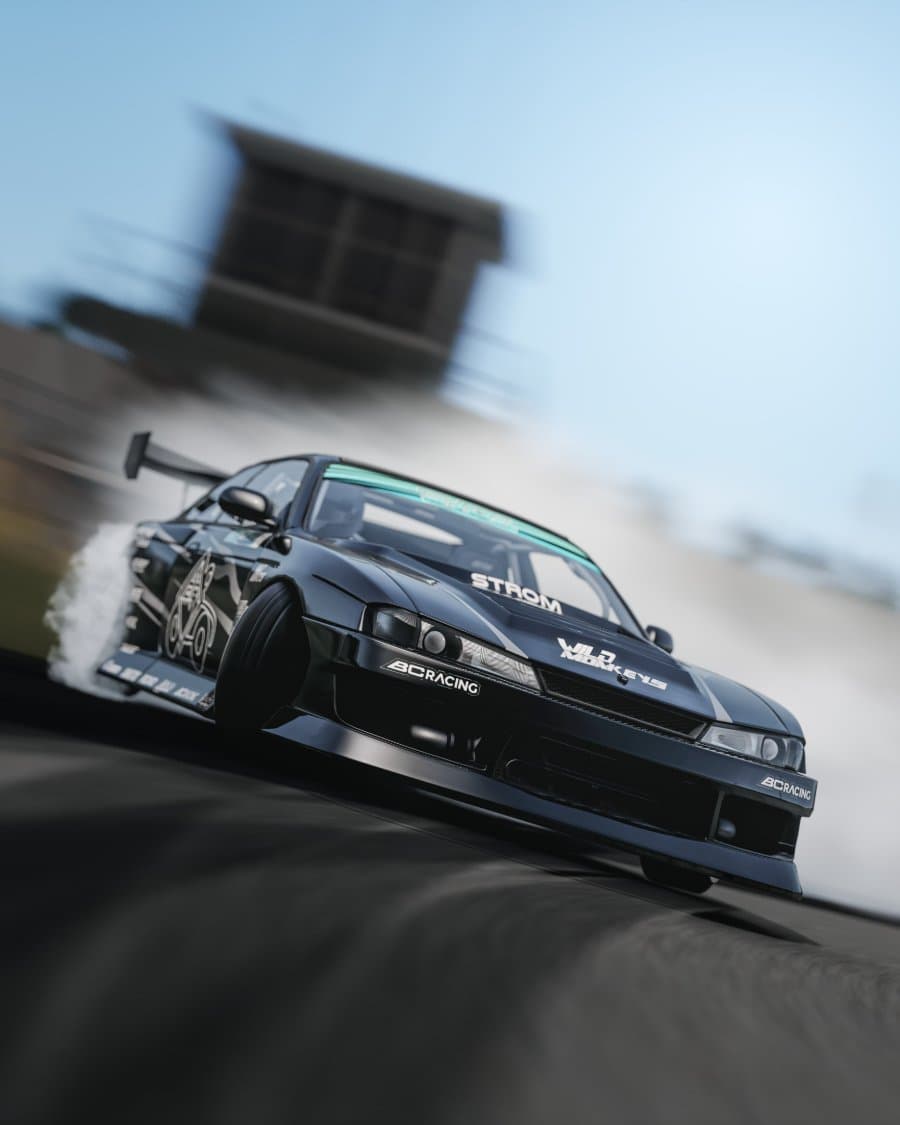
Pricing
Assetto Corsa Hosting Plans. Freeroam or Racing.
Plans scale with memory, CPU cores and storage — not with game mode and not with player slots. Every tier runs either server type with full mod support.
Every plan: Freeroam or Racing · AssettoServer + CSP + Sol · upload any car or track · auto content sync · DDoS protection · instant setup
PayPal & Card accepted · 72-hour money-back guarantee · Cancel anytime
Unlimited player slots are capped only by your plan’s CPU. A fair-use ceiling protects shared nodes and sits well above what the Assetto Corsa engine runs smoothly.
Mods & content
Any Car. Any Track.
Installed for You.
Assetto Corsa lives on its mods. We built install around Content Manager, so the official cars, thousands of community cars and every laser-scanned track are a drag-and-drop away — with CSP and Sol already running.
01Upload from Content Manager
Drop a car or track straight from Content Manager, or upload a ZIP. We validate it and install it to your server.
02CSP, Sol & shaders preloaded
Custom Shaders Patch and Sol come ready, so freeroam maps like Shutoko and LA Canyons just work — no local server setup.
03Joiners auto-download
Content Manager pulls your exact car and track set the moment someone connects. No wrong-version kicks, ever.
Cars
No capTracks
No capAuto-download
ONContent Manager
Content Manager Server Hosting, Joined in One Click
Nobody in the modded scene launches Assetto Corsa the vanilla way — they use Content Manager, and it is how your players will find your server, install CSP and pull your cars and tracks. We host for that reality instead of leaving you a forum post to write.
01Missing content, downloaded on join
Flip one switch and we publish your server details to Content Manager, with a download link for every car and track you installed through the panel. A joining player missing your map is offered the file instead of hunting mod sites.
02Listed publicly, or direct-connect only
Register the server to the lobby and it shows up in the Content Manager and in-game browsers, where a public cruise grows itself. Leave it unlisted and your group joins by address — or set a join password from the settings tab.
03No CSP version roulette
Custom Shaders Patch and Sol are already installed, and extra_cfg.yml lets you pin a minimum CSP version so a client too old to render your map is turned away instead of joining to a broken-looking session.
04Moving off a local Content Manager server
Content Manager can start a server on your own PC, which is fine until you want it up while you sleep. Hosting it here swaps your home IP and port-forwarding for a public address on a DDoS-protected node, and your content gets served to joiners instead of sent round by hand.
Walkthrough: getting players onto your Assetto Corsa server
Why Connect Hosting
Built for Assetto Corsa, Not Just Compatible
Full mod support. No allowlist.
The official cars, thousands of community mods and every laser-scanned track — install from Content Manager or a ZIP. If it runs in Assetto Corsa, it runs on your server.
AssettoServer plugins
AI traffic, dynamic weather, chat and role-play plugins for freeroam — configured from the panel, no config files.
CSP + Sol preloaded
Custom Shaders Patch and Sol run out of the box for modern visuals and dynamic weather. Pick your channel and go.
Content Manager ready
Upload cars and tracks; joiners auto-download your exact set on connect. See how content installs ↓
DDoS protection
Always-on mitigation filters attacks before they reach your session — every plan, every region, no extra cost.
Race where ping is lowest
London to Singapore on dedicated cores and NVMe. Explore the network ↓
Instant setup
Order, pay, drive. Your server deploys automatically and the connect details land in your inbox.
The control panel
Your Whole Server,
One Dashboard
Console, power, entry list, weather and session rules — plus your mod library — all in one web panel. No SSH, no editing server_cfg.ini by hand.
Live console
Session logs, driver joins and admin commands in real time, straight from the browser.
One-click power
Start, stop or restart the server — and watch it come back — in one click.
Entry list & rules
Weather, sessions, assists, entry list and password as simple form fields — no config files.

Global network
Low Ping Wins Races. Pick the Closest.
The same DDoS-protected stack with dedicated cores and NVMe in every region — so wheel-to-wheel stays fair.
Questions