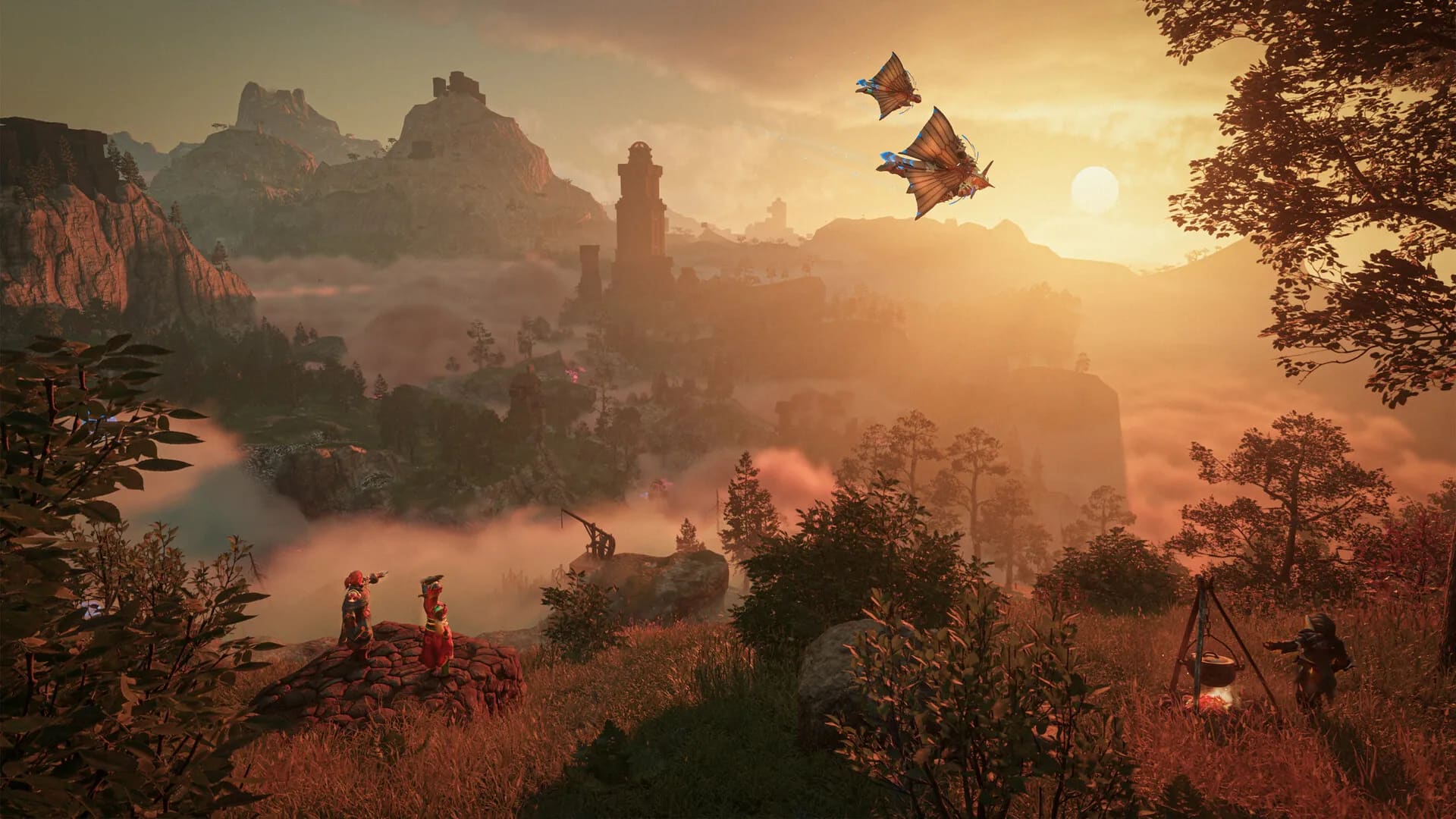
1.0 on Steam15 October 2026
Enshrouded Server Hosting
The flame stays lit when you log off
The official dedicated server, updated from Steam on every restart so it stays on the players’ build. Up to 16 players, Admin and Friend roles with their own passwords, backups included. Online in about a minute.
From$9.99/mo· up to 16 players
- Online in about a minute
- DDoS protection
- Dedicated RAM, NVMe storage
- Backups included
How players get in
- 1Search “Emberhold”
- 2Enter the password
- 3Play
The password decides the role: Friend plays, Admin can kick and ban. You set both on the Server Settings tab.
Rent an Enshrouded server in four steps
- 1
Pick a size and a region
Ember, Flame or Inferno, in one of six regions. Pay by card or PayPal. The server name you type at checkout is the one your players will search for in the game.
- 2
The official dedicated server boots
Provisioning is automatic: Keen’s dedicated server installs from Steam and starts on the current build. The whole thing takes about a minute.
- 3
Set the passwords and roles on Server Settings
Your server starts with a Friend password and an Admin password already set. Change either on the Server Settings tab — along with the name, the slot count and the world preset — then restart.
- 4
Friends join by name and password
In the game they search for the server name and enter the password you gave them. The password decides the role: the Friend password plays, the Admin password can also kick and ban.
Three sizes. Keen’s own numbers.
Keen’s FAQ puts the server at about 4.4 GB idle, roughly 100 MB more per player, and no more than 6 GB in all — so nothing we sell is below idle. The game caps a server at 16 players; you choose the RAM and the slots.
Ember
A small group on the RAM Keen says the server actually uses.
6 GBRAMKeen: about 4.4 GB idle plus 100 MB a player. Eight players is about 5.2 GB.
8 of 16 slots- Recommended
Flame
All sixteen slots, with headroom over Keen’s own ceiling.
8 GBRAMKeen says a server should not use more than 6 GB. 8 GB leaves 2 GB over that.
16 of 16 slots Inferno
Twice Keen’s ceiling, for the world that keeps growing.
12 GBRAMDouble the 6 GB Keen gives as the most a server should use.
16 of 16 slots
Save 10% on quarterly and 20% on yearly terms. Cancel anytime. PayPal and card accepted.
Change plan any time and your world comes with you. 72-hour money-back guarantee.
Enshrouded dedicated server hosting, as Keen ships it
The official server, kept on the current build, with the roles the game gives you and the settings it actually reads on one dashboard tab.

Sixteen around one flame
The game’s own cap on a dedicated server. Ember seats 8, Flame and Inferno take the full 16 — and the Friend password is all your group needs to drop in.
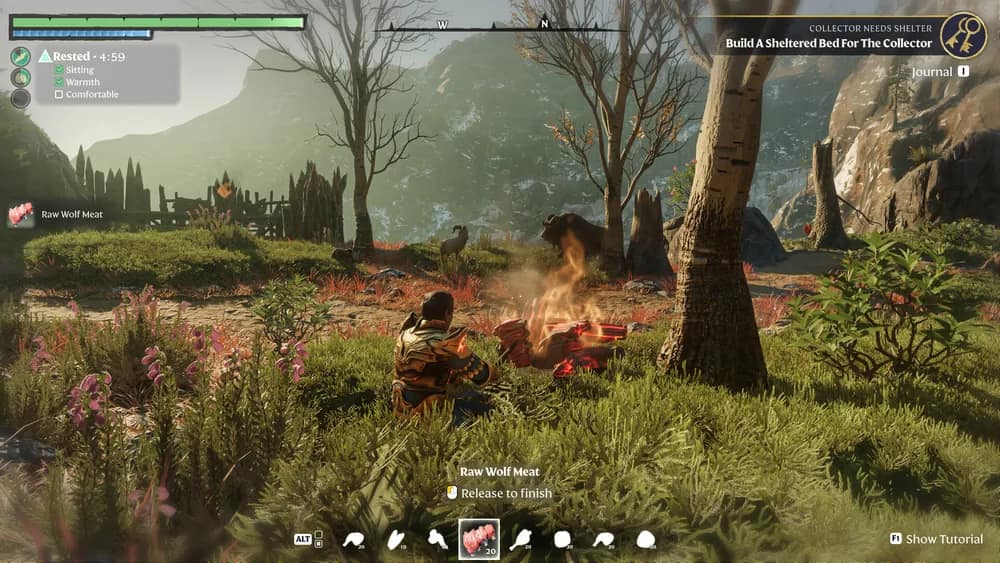
The world runs while you sleep
Log off mid-expedition and the server keeps hosting. The game autosaves on its own every 10 minutes, and scheduled backups snapshot the whole world on top.
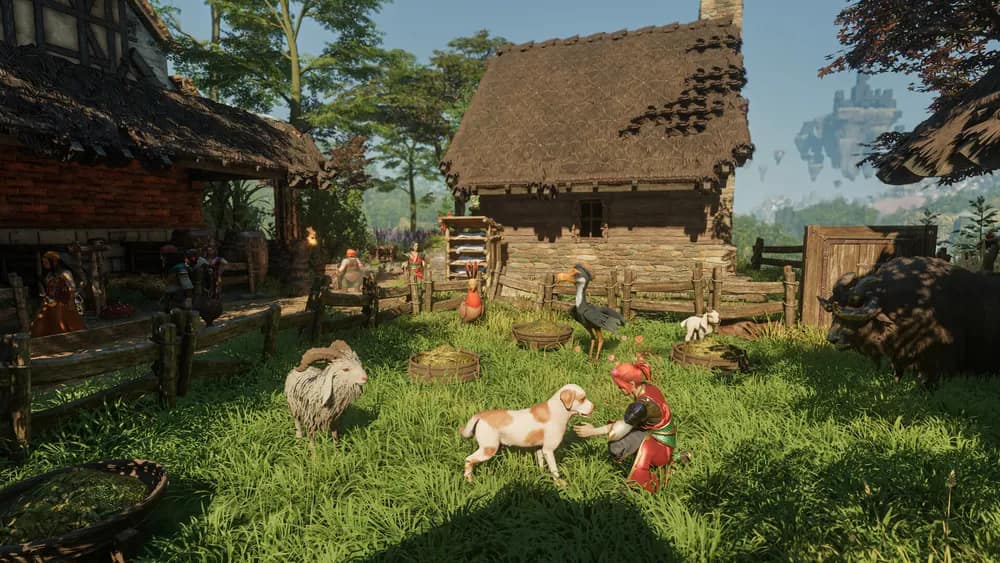
Every wall you raise is still there
Terrain you dug, halls you built, chests you filled — the save lives on the server, not on whoever hosted last night. Nobody waits for a host to come online.
- 16
- players, the game’s own cap on a dedicated server
- 10 min
- between autosaves — Keen’s server, on its own
- 160,361
- all-time peak on Steam (SteamCharts, 27 September 2026)
The official dedicated server
Keen’s own dedicated server from Steam (app 2278520), installed and kept current by SteamCMD. Nothing of ours stands between the game and your world.
Updated from Steam on restart
Keen’s patches usually land on servers and clients together — its own hotfix notes tell server hosts to update as well. Your server checks Steam each time it starts, so a restart is the whole update.
Roles with their own passwords
Keen’s user groups, set up for you: an Admin group that can kick and ban, and a Friend group that plays. Each has its own password, both edited from the dashboard.
Up to 16 players
The game caps a dedicated server at 16 slots. Flame and Inferno carry all sixteen, Ember carries eight, and you set the count yourself on the Server Settings tab.
Autosave every 10 minutes
The server writes the world on its own every 10 minutes — measured on the build it runs today. On top of that, Connect backups you take by hand or on a schedule and restore with one click.
Settings, files, SFTP, console
Name, passwords, slot count and world preset on the Server Settings tab. The savegame folder in the file manager or over SFTP. The live server log in the console.
One server, two passwords
The password is the role
An Enshrouded server keeps no whitelist — Keen documents none. The dedicated server decides what a player can do by which password they enter at the door: your whole permission system is two words, and you choose who hears which.
Emberholddemo
Which password did you give them?
- Play, build and extend the base
- Open other players’ inventories
- Kick and ban
- A reserved slot when the server is full
Both passwords are generated when your server is created and live on the Server Settings tab — change one and anyone holding the old word is out. Keen’s config takes more groups (its own examples add Guest and Visitor tiers): add and remove them on the same tab, or edit enshrouded_server.json yourself from the file manager. Roles and passwords, step by step.
The settings the server reads, on one tab
Keen’s server takes its name, passwords, slot count and world preset from one config file. The Server Settings tab edits exactly those fields; the file manager has the rest.
panel.connecthosting.net/servers/emberhold
Emberhold
Enshrouded · Frankfurt
5/16 onlineOnline
Server SettingsSave & restart
Server NameEmberhold
Friend PasswordJoins••••••••
Admin PasswordKick & ban••••••••••••
Player Slots (1–16)16
World PresetDefault
Update from Steam on restart
› Success! App '2278520' already up to date.
› [Session] 'HostOnline' (up)!
› [Session] finished transition from 'Lobby' to 'Host_Online'
Save, then restart
Your settings are written into enshrouded_server.json and the server reads them when it starts, so a change applies on the next restart.
Files and SFTP
Browse the savegame folder in the file manager, edit the config file directly if you want more user groups, or connect over SFTP for anything bigger.
Backups and schedules
Take a backup by hand or on a schedule and restore it with one click. Schedule a nightly restart and the server picks up any Steam update while it is quiet.

Global network
Six Regions, Pick the Closest
The same DDoS-protected stack with dedicated RAM and NVMe in every region.

LONDON
FRANKFURT
HELSINKI
US EAST
DALLAS
SYDNEY
Enshrouded server hosting by region: London, United Kingdom · Frankfurt, Germany · Helsinki, Finland · US East, Virginia, US · Sydney, Australia
What a dedicated server changes
Hosting a world from inside Enshrouded works until the host wants to sleep. A dedicated server takes the world off their machine and keeps it open — and keeps saving it.
| Hosting from the game | A Connect dedicated server | |
|---|---|---|
| When the world is open | Only while the host is in the game. | Around the clock, whoever is online. |
| Where the world lives | On the host’s own PC. | On the server, in its savegame folder — autosaved every 10 minutes, with Connect backups on top. |
| How people join | Through the host, while they are playing. | Search the server name in the game and enter the Friend or Admin password. |
| When Keen patches | The host updates their game. | The server updates from Steam on restart, so it stays on the players’ build. |
| Who runs it | The host, from their own screen. | Whoever holds the Admin password can kick and ban; the Friend password just plays. Both are yours to change. |
| Your character | Saved on each player’s own PC. | Still on each player’s own PC — Keen keeps character progress client-side. The world is what moves to the server. |
Which platforms can play on the server
A Connect Enshrouded server is a PC server: players join from the Steam version of the game. Keen’s own dedicated-server FAQ describes the Steam game and names no other platform, so we describe none until we have tested one ourselves.
Enshrouded server hosting FAQ
Want the long version? The Enshrouded server guides cover setup, roles and passwords, a server players cannot find, and moving a world.
Enshrouded dedicated server guides
Written for the 1.0 server and kept current with it. Start with whichever problem you have.
Set up
Join and roles
Something else? Browse the help centre or open a ticket from your dashboard.