Palworld Admin Commands: The Full List (and the RCON → REST API Switch)
Every Palworld admin command that actually exists, why RCON is deprecated, how to use the REST API that replaces it — and the save file that silently blanks your admin password.
August 9, 20266 min read
Share:
Share
On This Page
Palworld ships a small, fixed set of admin commands — and a lot of guides still tell you to drive them over RCON. Pocketpair's own documentation now says otherwise: "RCON is now deprecated. Please consider to use REST API. RCON is scheduled to stop functioning in an upcoming update."
So this covers both: every command that actually exists, and the admin surface that will still be here in six months.
Every Palworld admin command
This is the complete official list. There is no /give, no /spawn, no item or Pal cheat menu — Palworld's dedicated server simply doesn't have them, no matter what a listicle claims.
Command
What it does
/AdminPassword <password>
Grants you admin rights for the session
/ShowPlayers
Lists everyone online, with their IDs
/Info
Server version and status
/Save
Forces a world save
/Broadcast <message>
Message to every player
/KickPlayer <id>
Kicks a player
/BanPlayer <id>
Bans a player
/UnBanPlayer <id>
Lifts a ban
/TeleportToPlayer <id>
Teleports you to them
/TeleportToMe <id>
Teleports them to you
/ToggleSpectate
Spectator mode (exit with the ` key)
/Shutdown [seconds] [message]
Countdown shutdown with a warning
/DoExit
Kills the server immediately — no clean save
Two habits worth forming. Run /ShowPlayers before any kick or ban and copy the ID from its output rather than typing one from memory. And always /Save before /Shutdown — the countdown warns players, but a manual save first is the difference between losing nothing and losing the last few minutes.
/DoExit is the one to avoid. It's a hard stop with no save, and it's the most common way people lose base-building progress on their own server.
Set AdminPassword in PalWorldSettings.ini (or in your host's control panel), restart, then in-game open the chat box and type:
/AdminPassword YourPasswordHere
You stay admin until you disconnect. Commands are typed into normal chat — there is no separate console.
"This server does not have an AdminPassword set" — the trap
If /AdminPassword rejects a password you know is correct, and RCON simultaneously fails with authentication failed, the cause is almost certainly a file most guides never mention.
If Pal/Saved/SaveGames/0/<WORLD>/WorldOption.sav exists, Palworld reads its settings from that file and ignores PalWorldSettings.ini entirely. That file usually carries an empty AdminPassword, so your runtime admin password is blank no matter what the ini or your panel says.
We proved this on our own fleet in August 2026 rather than inferring it. A clean test server had working RCON; transplanting an affected customer's WorldOption.sav onto it broke RCON; deleting the file fixed it again. Across 32 servers, exactly three had the file — and those were exactly the three with broken admin auth. The other 29 worked.
The symptom chain is worth knowing because it doesn't look like an auth problem from the outside: blank admin password → /AdminPassword fails → RCON auth fails → the panel's Stop and Restart buttons silently do nothing, because most Palworld eggs implement a graceful stop by sending a shutdown command over RCON. People then hit Kill, which skips the save.
The fix: back up WorldOption.sav, delete it, restart. Your world is untouched — that file holds settings only; the world itself lives in Level.sav and Players/.
One warning before you do it: deleting it makes every setting that was previously being ignored take effect at once. Rates, hatching times and difficulty can all shift in a single restart. Check your server settings are what you actually want before you delete the file, not after.
RCON: still works, on borrowed time
RCON runs on port 25575 by default and takes the same commands without the leading slash — ShowPlayers rather than /ShowPlayers.
It still functions on a 1.0 server. But it is formally deprecated, and Pocketpair has said it will stop working in a future update. Don't build anything new on it. If you have a Discord bot, a restart script or a player-count widget wired into RCON today, treat migrating it as scheduled work rather than an emergency.
curl-u admin:YourPassword -X POST http://127.0.0.1:8212/v1/api/save
curl-u admin:YourPassword -X POST http://127.0.0.1:8212/v1/api/shutdown \-H'Content-Type: application/json'\-d'{"waittime":60,"message":"Restarting in 60 seconds"}'
/v1/api/metrics is the one worth automating. It returns server FPS, player count and uptime — enough to catch the memory leak building up before players start complaining about lag.
Do not expose port 8212 to the internet. Pocketpair's guidance is explicit that these endpoints aren't built for it, and Basic Auth over plain HTTP means your admin password crosses the wire in reversible form on every request. Keep it on localhost, a LAN, or behind a reverse proxy with TLS.
Which one should you use?
For day-to-day moderation — kicking someone, broadcasting a message, saving before you log off — in-game commands are the fastest route and need no setup beyond an admin password.
For anything automated, use the REST API. It's the only one of the two with a future, it returns structured JSON instead of scraped text, and it doesn't depend on the RCON path that WorldOption.sav can quietly break.
On a Connect server
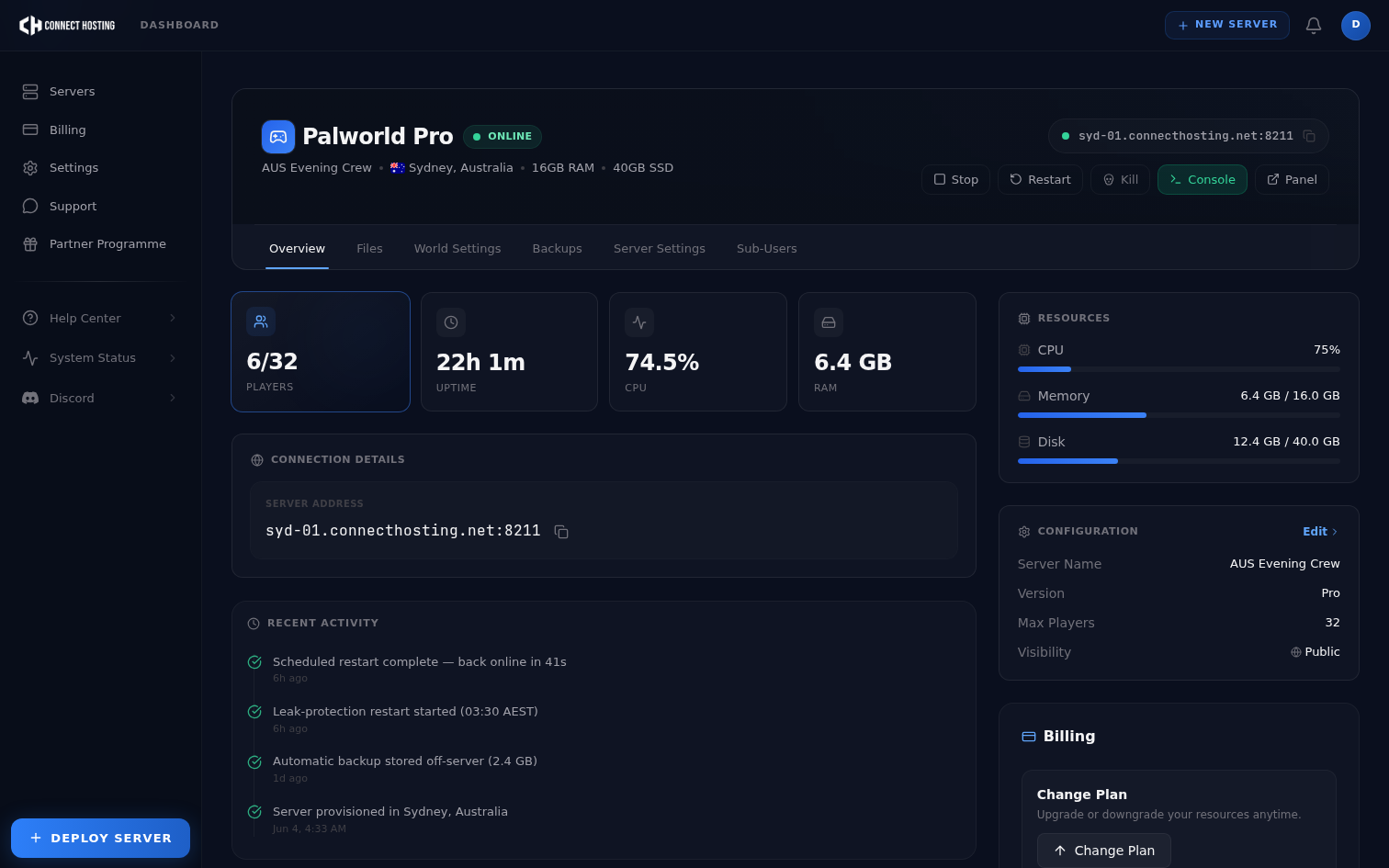
Admin Password is a field in the control panel, so you get in-game commands without touching a config file. Worth knowing: Palworld's config parser rewrites PalWorldSettings.ini a couple of seconds before every boot, which is why hand-editing that file on a managed host usually appears to do nothing — the panel variable is the thing that actually survives a restart.
If your Stop button isn't working and admin commands are being refused, that's the WorldOption.sav case above. Open a ticket and we'll check for the file and clear it with your world backed up first.
Want the admin side without the config archaeology? Compare Palworld server hosting plans — panel-managed settings, all 32 slots, and automated daily restarts that keep the leak in check.