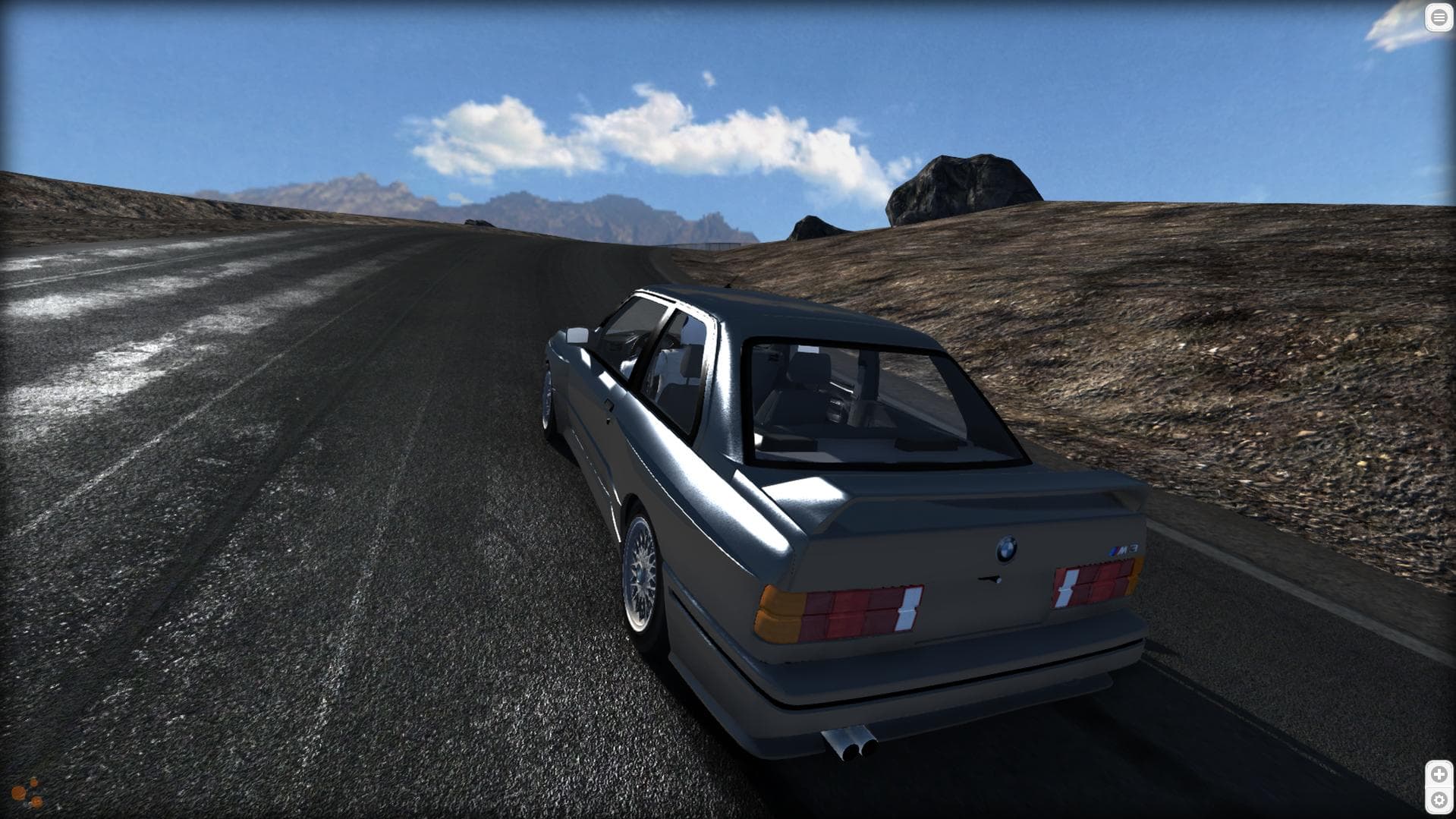
BeamNG v0.40 lands on 19 October 2026, the same day the game arrives on PS5. It is a big one — dynamic weather, vehicle wear, fluid leaks, deformable street objects — and big BeamNG updates have a reliable side effect: for a day or so, BeamMP stops working.
This is not a surprise and it is not a fault. It happens after every BeamNG release. Here is what to expect and how to make the week boring.
What happens on update day
The moment Steam updates BeamNG, the version your players are running no longer matches what BeamMP expects, and joining fails. The message people see is some flavour of "BeamMP is not compatible with this version of BeamNG.drive", and the forum fills with it within the hour.
Two separate things have to catch up:
- The BeamMP client. The launcher needs a build that understands the new BeamNG version. Historically this has landed within a few hours of a BeamNG release, not days.
- Your server binary. A server running an older protocol gets rejected by updated clients — the error on join is a version mismatch, and the fix is on the server side, not the player's.
The second one is the part server owners get caught by. Your players update automatically through Steam whether you are ready or not, so the server is the thing that has to move.
The order to do it in
Do not update anything while people are waiting to play. The single most useful habit here is to pick your moment rather than have it picked for you.
- Let the BeamMP client build land first. There is no point updating the server binary before the client it has to talk to exists. Watch the BeamMP announcements channel — compatibility posts go up there.
- Update the server binary. On a server here, open a ticket and we will do it: we swap the binary in place, keeping the old one as a backup and leaving
ServerConfig.toml untouched. That matters more than it sounds — a plain reinstall deletes the binary first and rewrites your config from scratch, so a failed download leaves you with neither.
- Tell your players to run the launcher, not the game. Closing BeamNG and starting the BeamMP Launcher lets it pull its own update. Most "still broken for me" reports are someone launching BeamNG directly.
- Then look at mods. Not before — there is no point debugging a mod against a server you cannot join yet.
Why 0.40 is likely to be rougher on mods than most
A version bump that adds a few cars is easy on mods. 0.40 is not that. On current information it brings:
- A full dynamic weather system — rainfall, wet roads, water spray, puddles and reduced tyre grip, plus snow with its own vehicle-stability effects.
- A vehicle wear system — paint scratches, scraped panels, a dirt and mud layer, and fluid leaks for oil, coolant, fuel and brake fluid.
- Dynamic object reactions — signs that bend, twist and break, barriers that deform and move.
- Local split-screen for up to four players, and DLSS/FSR sliders on PC.
Weather and surface grip touch the physics layer. Wear and fluids touch vehicle materials and sub-systems. Deformable street furniture touches maps. Those are exactly the layers that vehicle mods and custom maps hook into, so expect a longer tail of mod breakage than a normal update — particularly on heavily modded servers and on maps that have not been updated in a while.
Full patch notes were not out at the time of writing, so treat the list above as the announced headline features rather than a complete changelog.
- Post the warning before the 19th, not after. "The game updates Sunday, the server will be down for a bit, we will be back when BeamMP catches up" converts an outage into an expected event. Most of the frustration on update day is people not knowing what is happening.
- Take a backup before you touch anything. Every paid plan here has one-click backups; use one as the pre-update marker. It costs nothing and it is the difference between a bad hour and a bad week.
- Keep your mod list honest. The more mods you run, the longer your tail. If there is anything in your folder nobody actually uses, update day is a good excuse to drop it.
- Expect a second wave. Mod authors update over the following days, so a mod that is broken on Monday is often fine by Thursday. Re-test rather than deleting things in a panic.
- Don't change two things at once. If you were planning a map change or a new gamemode, do it the week before or the week after. Debugging a new map against a new BeamNG version against a new BeamMP build is three variables and no information.
If something does go wrong, BeamMP backend failed to respond to heartbeat and your server not showing in the list cover the two failures that show up most often after an update — both usually mean the server is up and something upstream has not caught up yet.
What 0.40 does not change
PS5 players still cannot join your server. The PS5 version ships the same day and does not support mods, which means no BeamMP — see can you play BeamMP on PS5 for the detail. If half your group is buying it on console on the 19th, set that expectation now rather than on the night.
Official online multiplayer is still not here. It is in development and not in 0.40. BeamMP remains the way BeamNG is played online, which is the main reason update week is worth handling properly rather than waiting it out.
Running a server through all this on someone else's hardware is the easier version of the job — our BeamMP plans include the backups and the binary swap, and there is a free tier if you want somewhere to test before you move a community across.
Frequently Asked Questions
Why is BeamMP not compatible after the BeamNG update?
Because BeamMP has to be rebuilt for each new BeamNG version. The client mod patches the game, so when the game changes underneath it, it stops matching until a new BeamMP build ships. This happens after every BeamNG release and has historically been fixed within a few hours.
How long does BeamMP take to update after a new BeamNG version?
Usually hours rather than days. The BeamMP team has a strong track record of same-day compatibility builds. The server side then needs its binary updated to match, which is the step that is on you (or your host) rather than on BeamMP.
How do I fix "version mismatch" when joining my own server?
That error means the server is running an older build than your updated client. Updating the server binary fixes it — the player side cannot. On a server hosted here, open a ticket and we will swap it in place without touching your config.
Should I update my BeamMP server as soon as BeamNG 0.40 drops?
No. Wait for the compatible BeamMP client build to land first, take a backup, then update the server. Updating the server before the client exists just gives you a different mismatch, and doing it while your community is waiting turns a short outage into a long evening.
Will my mods still work after 0.40?
Some will not, at first. 0.40 touches physics (weather and grip), vehicle materials and sub-systems (wear and fluid leaks) and map objects (deformable street furniture), which is more of the surface area that mods hook into than a typical update. Expect breakage on update day and a steady recovery as mod authors publish updates over the following days.
Does BeamNG 0.40 add official multiplayer?
No. Official online multiplayer is confirmed as in development but is not in 0.40, and no date has been announced. The split-screen in 0.40 is local, up to four players on one machine.