
Minecraft modpack hosting
All of Create Aeronautics
Server Hosting
Create, airships and nothing else in the way.
All of Create Aeronautics is a focused Create pack: Create: Aeronautics and its physics engine at the centre, more than fifty Create addons around it, and quests that teach you to build ships that actually fly. There is no kitchen sink to drag the server down. Order here and the pack comes pre-selected, with NeoForge, Java 21 and the official server files installed before your crew joins.
All of Create Aeronautics
NEOFORGE · MC 1.21.1
Mods
250+ mods
Minecraft
1.21.1
Loader
NeoForge
Downloads
820K+
Needs 6GB minimum · runs best on 8GB
Create-only airship pack — idles at 3.8GB; ship physics are CPU, not RAM
Sized for the pack
How much RAM does All of Create Aeronautics need?
All of Create Aeronautics needs 6GB of server memory to start and runs best on 8GB — the same guidance our checkout enforces, so a plan that can't run the pack can't be bought with it. Every size below carries it; resize anytime and your world moves with you.
8 GB
300% CPU · 60 GB NVMe · 3 backups · 1 DB
Where All of Create Aeronautics runs the way it should — our recommendation for a group of friends.
Zero-setup hosting
All of Create Aeronautics, installed before you join
01Order with the pack pre-selected
Come from this page and All of Create Aeronautics is already picked at checkout — no searching, no version guesswork. Choose a plan and region and pay.
02We install everything server-side
Provisioning sets up NeoForge for Minecraft 1.21.1, the matching Java runtime and the pack's own server files. Most servers are joinable within minutes.
03Update and roll back from the panel
Pack updates install with one click and a backup snapshots your world first — following a pack’s development never risks the map.
Self-hosting?
All of Create Aeronautics server pack & server files
All of Create Aeronautics publishes its server files as a separate Server Pack download on the pack’s CurseForge Files tab. It is not the same zip as the client pack: client-only mods are stripped out and start scripts are included. All of Create Aeronautics on CurseForge ↗
Running the All of Create Aeronautics server yourself
- 01Install Java 21 — the runtime NeoForge on Minecraft 1.21.1 is built for. The wrong Java is the most common reason a pack server refuses to start.
- 02Unzip the server pack into an empty folder and run its start script (or the NeoForge installer it bundles).
- 03Give the JVM 8GB with -Xmx — 6GB is the realistic floor for this pack.
- 04Accept the EULA in eula.txt, forward port 25565, and keep the machine on whenever anyone wants to play.
Straight from the pack
This is what you're hosting
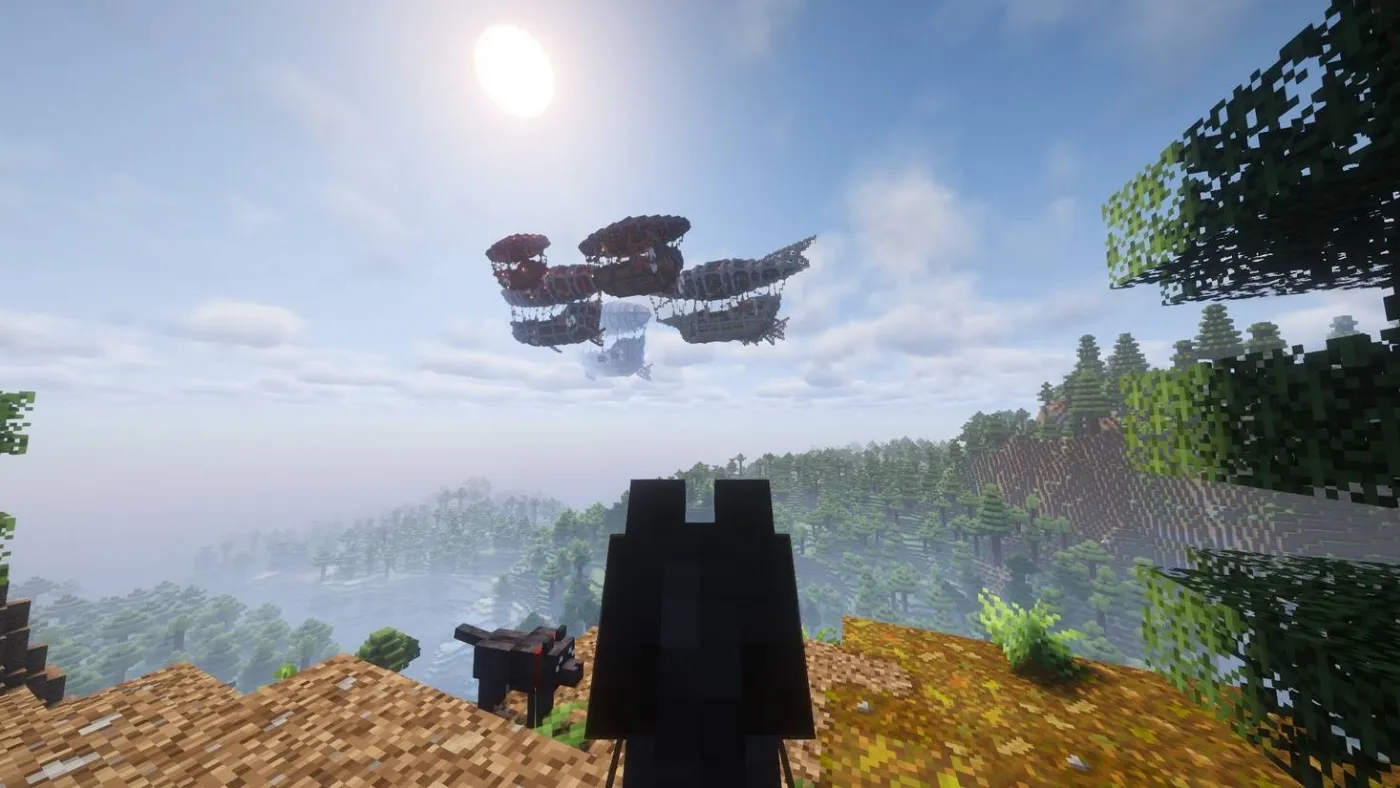
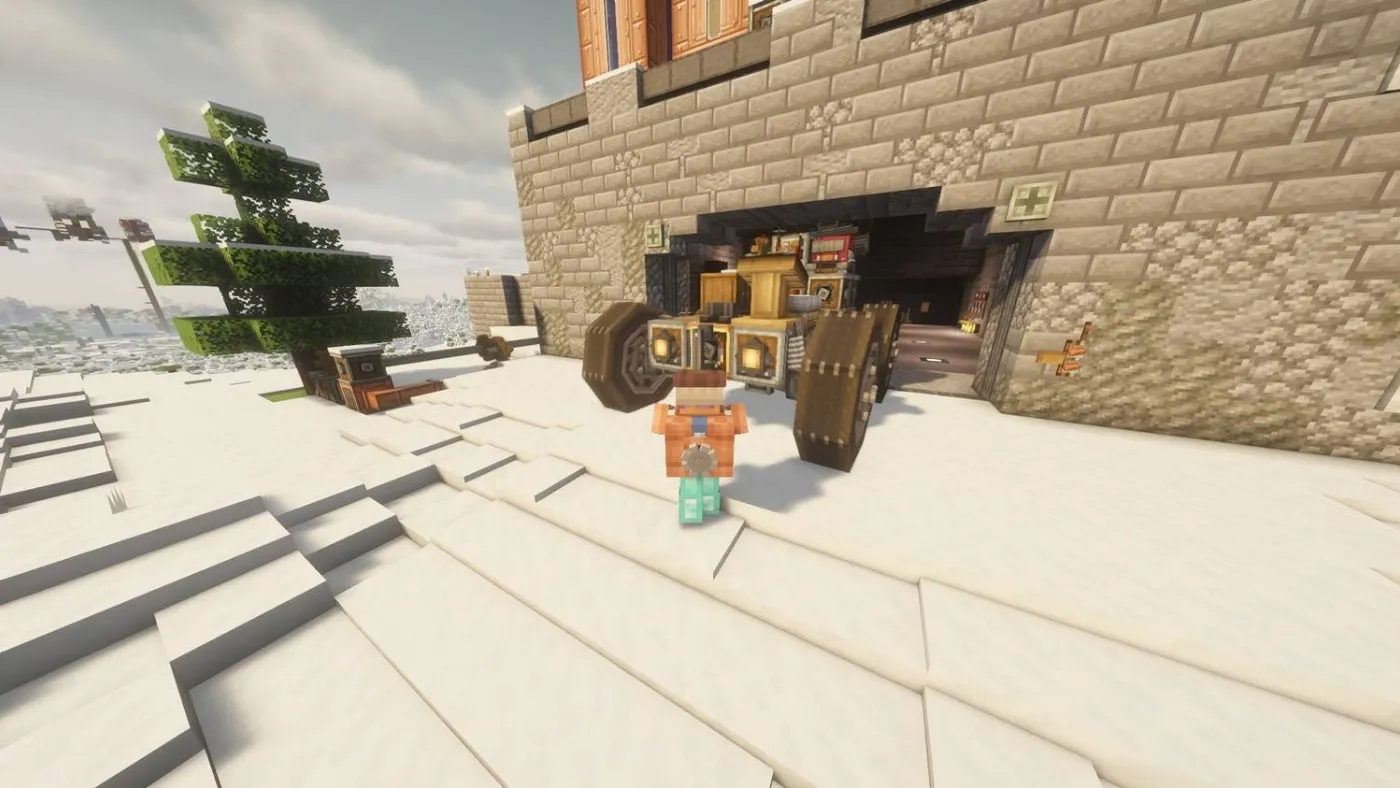
Screenshots from All of Create Aeronautics's own catalogue listing — what your server runs, not mock-ups.
About the pack
What is All of Create Aeronautics?
Create: Aeronautics turns Create contraptions into real vehicles: propellers, balloons and control surfaces, with every block simulated as the ship moves. All of Create Aeronautics builds a whole pack around that, with Create addons for trains, logistics, decoration and power, plus a quest line from your first windmill to an ocean-crossing airship. Its author tags it as a light multiplayer pack, and it plays like one.
If you want airships inside the full All the Mods experience, we also host ATM10 Aeronautics. This pack is the opposite choice: about half the mod count, a Create-only theme and a much smaller memory footprint. That suits groups who come for the engineering, and it means a smaller plan goes further.
From our game servers team
Running All of Create Aeronautics well
Memory is easy, physics is not
Our bench server idled at just 3.8GB. The real load is the ship physics while airships are moving, which runs on the server’s main thread. 8GB gives plenty of headroom, and if a fleet starts to stutter, faster cores (our Premium tier) help more than extra RAM.
Expect early-development bugs
Create: Aeronautics and its Sable physics library are new, and the pack author asks players to report physics bugs to those mods directly. Take a backup before a big launch day; our panel makes that one click and restoring is just as quick.
Pre-generate the flight path
Airships cross terrain far faster than players on foot, and generating fresh chunks mid-flight is the classic cause of rubber-banding. Pre-generate a few thousand blocks around spawn before the first long voyage.
Questions
All of Create Aeronautics Hosting, Answered
Run it well
All of Create Aeronautics server guides
More packs we host