Official terraria.org build · 1.4.5.8 today · built for 1.4.6 Crossplay Phase One
Terraria Server Hosting
Updates Itself on Patch Day
The official terraria.org dedicated server, checked against terraria.org on every restart. Built for 1.4.6 Crossplay Phase One — Re-Logic says console players will type an IP and port to join; no release date yet.
How friends join — the join card on your dashboard
- IP and port
- 203.0.113.7:7777
- Password
- Kx7Qp2Lm
Sample values. Yours are on the Overview tab the moment the server is online; PC players type them into the game’s multiplayer menu.
Console players cannot join a PC server today. For 1.4.6 (Crossplay Phase One) Re-Logic has said that anyone who knows the host’s IP address and port number will be able to type it into their client to connect — there is no release date yet.
From$5.99/mo· 16 seats on every plan
- Official terraria.org build
- DDoS protection
- Dedicated RAM, NVMe storage
- Backups included
Three sizes. 16 seats on every one.
Terraria is light — the wiki puts a small world at about 500 MB — so Copper runs most groups, and Gold and Platinum are headroom for a full lobby, a large world or mods. Every plan carries all 16 seats; RAM is the only choice.
Copper
Small and medium worlds for four to eight friends — all 16 seats included.
2 GBRAM · 10 GB NVMeFour times the wiki’s 500 MB figure for a small world.
16 seats$5.99/moGold
RecommendedA full 16-seat lobby, a large world, or your first mods.
4 GBRAM · 20 GB NVMeTwice Copper. Nobody publishes a full-lobby figure, so this rung is headroom, not a measurement.
16 seats$9.99/moPlatinum
Modded headroom for when tModLoader reaches the Settings tab.
6 GBRAM · 30 GB NVMeThree times Copper, for Calamity-class packs when tModLoader arrives. Same 16 seats.
16 seats$13.99/mo
Save 10% on quarterly and 20% on yearly terms. Cancel anytime. PayPal and card accepted.
Change plan any time and your world comes with you. 72-hour money-back guarantee.
Terraria 1.4.6 · Crossplay Phase One
Built for the update that lets consoles type an IP
Re-Logic has been describing Crossplay Phase One all year. The mechanism it names is the one a dedicated server already has: a fixed IP address and port that any client can type in. Here is what has been said, when, and what it means for a rented server.
- February 2026
“If you know the IP address and port number of your host, you can type it into any client to connect to their session. This is the functionality that we plan to initially release on console to complete Phase 1.”
Terraria State of the Game, February 2026 - August 2026
“pushing directly into Terraria 1.4.6, which will be Phase One of Crossplay!”
Terraria State of the Game, August 2026 - 24 September 2026
“finishing touches on Crossplay Phase One … should be in your hands in the near future.”
Terraria State of the Game, September 2026
Today, on 1.4.5.8
- PC players join your server by IP and port (TCP 7777) with the password you set.
- Mobile players on the same version can join a PC server too.
- Console players cannot join a PC server — consoles are on the 1.4.5.8.1 hotfix and have no IP-join option yet.
After 1.4.6, as Re-Logic describes it
- A console player who knows the host’s IP address and port can type it into their client to connect — Phase One.
- Your server must be on the same version as the client. Ours checks terraria.org on every restart, so a restart is the whole update.
- Phase Two — join codes and “Cross-Network” play — comes later and is separate.
What a Connect server gives you on day one
A fixed IP and port
Your server has one address from the day you order it. On patch day nothing about how friends reach it changes.
The same version as the client
Every restart checks terraria.org and installs the new build before the server starts. That is the one rule Re-Logic repeats: everyone on the same release.
A password on the door
A join password is generated for you and shown on your dashboard; clear it or change it on the Server Settings tab.
As of the 24 September 2026 State of the Game there is no release date for 1.4.6; Re-Logic says the build is heading for certification “in the near future”. We will update this page the day it ships.
Re-Logic’s posts describe typing a host’s IP and port into a console client; they do not say the words “dedicated server”. We will not describe the console route on this page until a console client has joined a server of ours.
Terraria dedicated server hosting, on the official build
The Linux dedicated server Re-Logic publishes, kept on the current build, with the settings the server actually reads on one dashboard tab and the join details on one card.
1.4.5.8 on every serverReleased 23 August 2026. The next build installs on your next restart.
Updates itself on restart
Every start compares the installed build with terraria.org and installs a newer one before the server comes up. The day 1.4.6 lands, a restart is the whole update — and you can switch the check off on the Server Settings tab.
Pin any 1.4.5.x build
Lock the build before a patch so mobile friends are not stranded, or match a friend’s client: pick it on the Server Settings tab and restart. The server holds it until you choose Latest again. Pin before the patch lands — Terraria cannot open a world with an older build than the one that saved it, so the picker greys those out.
IP, port and password on one card
Your Overview tab shows the address, the port and the join password together, ready to copy. That is everything a friend on PC needs today, and the address a console client will type after 1.4.6.
Bring your world
Upload a .wld from your PC into saves/Worlds with the file manager or SFTP, set the world name to match, restart. The server picks it up instead of generating a new one.
16 seats on every plan
Our cap is 16 players on every plan — we never price by seats. The server ships with 8 slots open; raise it to 16 on the Server Settings tab.
Backups, twice over
Connect backups you can take by hand or on a schedule and restore with one click, on top of the server’s own rolling .wld.bak copies it keeps on every save.
Settings from the dashboard
World name, size, difficulty and seed, max players, password, MOTD, language and the server build — edited on the Server Settings tab and applied on restart.
Nine regions
Terraria is light enough to run in every region we have, from Oregon to Singapore. Pick the one closest to most of your players at checkout.
DDoS protection, dedicated RAM, NVMe
The same network and hardware every Connect server runs on. One open port, TCP 7777, and nothing else exposed.
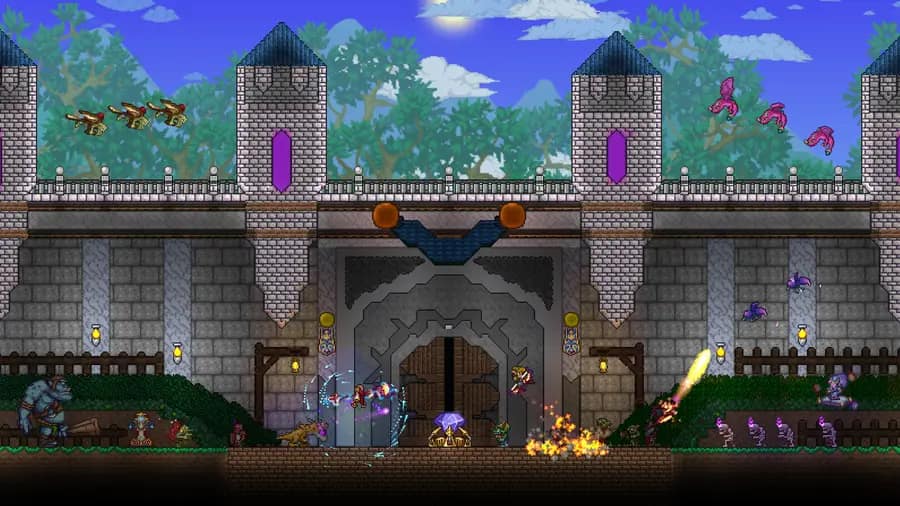
Build it together, then hold the gate
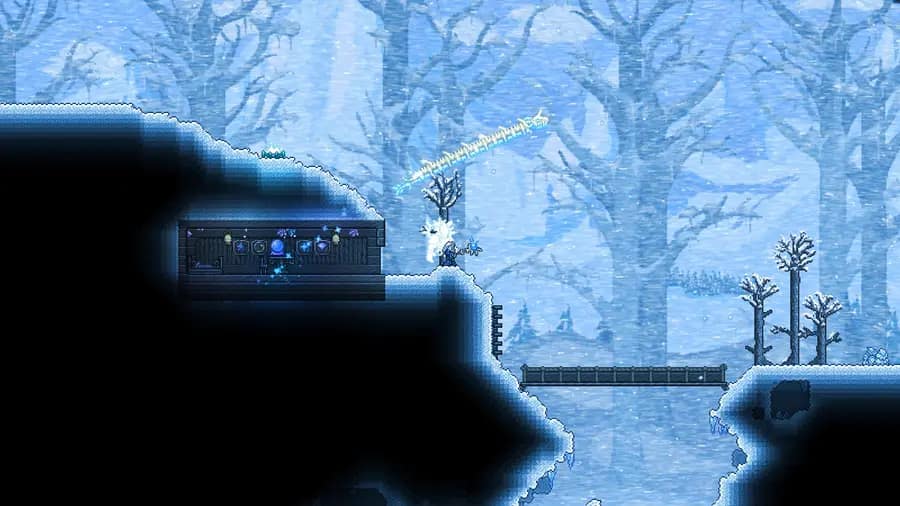
Every biome in one shared world
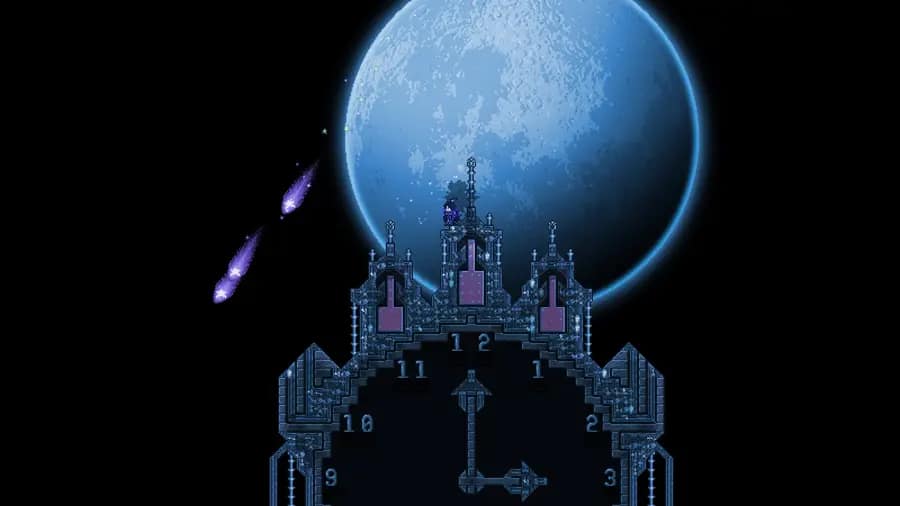
Every boss, every event, on your schedule
Rent a Terraria server in four steps
- 1
Pick a plan and a region
Copper, Gold or Platinum, in any of our nine regions. Pay with PayPal or card. Name your server at checkout — that name becomes the world’s name.
- 2
The server installs from terraria.org
Provisioning is automatic: the official Linux dedicated server downloads from terraria.org and generates your world on first boot — medium by default, small or large if you choose.
- 3
Share the IP, port and password
All three are on your Overview tab. Friends on PC enter the address in the game’s multiplayer menu and type the password. Mobile players on the same version can join the same way.
- 4
On patch day, restart
The server checks terraria.org before it starts and installs the new build if there is one. If terraria.org cannot be reached it boots the build it already has and says so in the console.
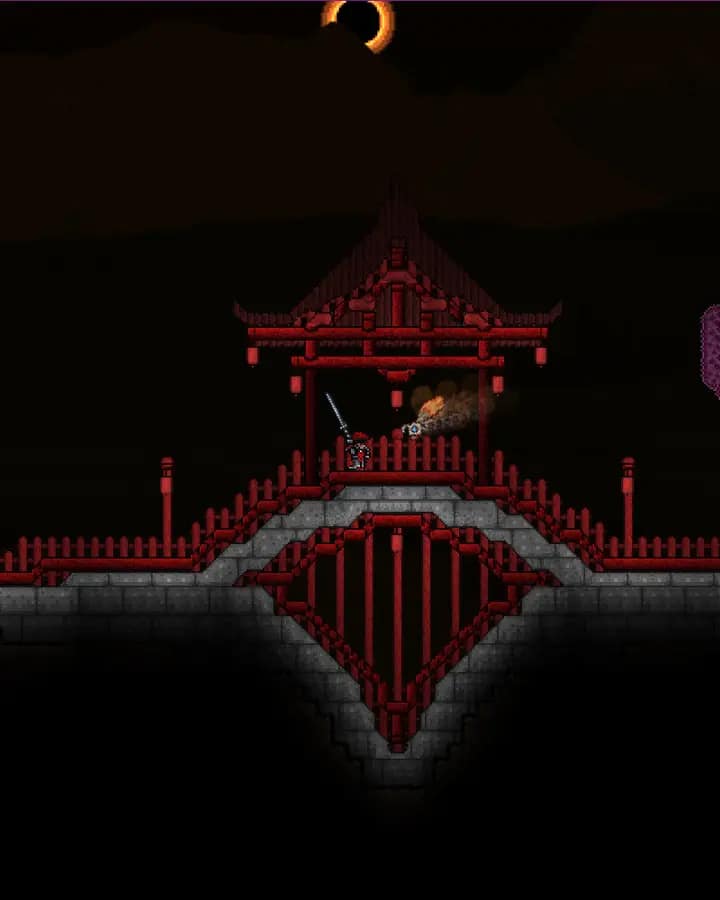
Every setting the server reads, on one tab
Terraria’s server takes its world, difficulty, player cap, password and MOTD from serverconfig.txt. The Server Settings tab edits exactly those fields, with the update check as a switch.
panel.connecthosting.net/servers/pylon-crew
Pylon Crew
Terraria · Frankfurt
3/16 onlineOnline
Server SettingsSave & restart
World namePylon Crew
World sizeMedium (6400 × 1800)
DifficultyClassic
Seed—
Max players8 (up to 16)
Password••••••••
MOTDWelcome to Pylon Crew
Update from terraria.org on restart
BuildLatest (1.4.5.8 installed)
› [connect] build 1458 is current
› Listening on port 7777
› Server started
Save, then restart
The server writes your settings into serverconfig.txt each time it starts, so a change applies on the next restart and a stale file can never shadow the panel.
Files and SFTP
Browse saves/Worlds in the file manager, drop a .wld in to bring a world you already play, or connect over SFTP for anything bigger.
Backups and schedules
Take a backup by hand or on a schedule and restore it with one click. Schedule a nightly restart and the server picks up a new terraria.org build while it is quiet.

Global network
Nine Regions, Pick the Closest
The same DDoS-protected stack with dedicated RAM and NVMe in every region.

LONDON
FRANKFURT
HELSINKI
US EAST
US WEST
DALLAS
MONTREAL
SINGAPORE
SYDNEY
Terraria server hosting by region: London, United Kingdom · Frankfurt, Germany · Helsinki, Finland · US East, Virginia, US · US West, Oregon, US · Montreal, Canada · Sydney, Australia
Terraria dedicated server guides
Written for the official server on 1.4.5.8 and updated the day 1.4.6 ships. Start with whichever problem you have.
Set up
Crossplay and joining
Something else? Browse the help centre or open a ticket from your dashboard.
Terraria server hosting FAQ
Want the long version? The Terraria server guides cover setup, serverconfig.txt, Crossplay Phase One, moving a world and tModLoader versus vanilla.