Best PalWorldSettings.ini Config for Every Playstyle (2026)
Copy-paste PalWorldSettings.ini presets for casual, balanced, hardcore and PvP servers — real key names and defaults, plus the reasons your edits sometimes don’t stick.
July 12, 20265 min read
Share:
Share
On This Page
The fastest way to a well-tuned Palworld server: pick one of the four presets below, paste it into PalWorldSettings.ini as a single line, and restart. Casual for relaxed co-op, Balanced to keep vanilla feel with less grind, Hardcore for permadeath, PvP for the official 1.0 player-versus-player mode. Real key names, real defaults, and the reasons your edits sometimes don't stick.
Where is PalWorldSettings.ini and how is it formatted?
On a Linux dedicated server the file lives at:
Pal/Saved/Config/LinuxServer/PalWorldSettings.ini
Every option sits inside one long OptionSettings=(...) line under a section header. That one-line rule is non-negotiable — a newline in the middle silently voids the parse:
Two things people forget: set Difficulty=None so your individual rate settings actually take effect (a named difficulty overrides them), and raise ServerPlayerMaxNum from its default of 4 to 32.
Note bEnableInvaderEnemy=False — on a long-running community server, halving the memory-leak growth is worth more than the raid events for most groups. Drop-items-only on death keeps stakes without the misery of losing gear.
What's the best hardcore config?
Hard difficulty with real consequences — permadeath and losing your party Pals:
bIsPvP plus bEnablePlayerToPlayerDamage turns players hostile; bEnableDefenseOtherGuildPlayer lets guilds raid each other's bases. Faster egg hatching keeps the combat roster fresh.
Why won't my Palworld server settings save?
If your edits keep reverting, it's almost always one of these — and the config guides that skip them are why people go in circles. Full checklist in why Palworld server settings won't save, but the short version:
Stop the server before editing. A running server rewrites the file on shutdown and wipes your changes.
Edit PalWorldSettings.ini, not DefaultPalWorldSettings.ini. The default file is a template; the game copies from it.
Keep everything on one line. A newline inside OptionSettings=(...) voids the parse.
Set Difficulty=None or a named difficulty silently overrides your rate settings.
On a migrated world, delete WorldOption.sav — while present it overrides the ini completely.
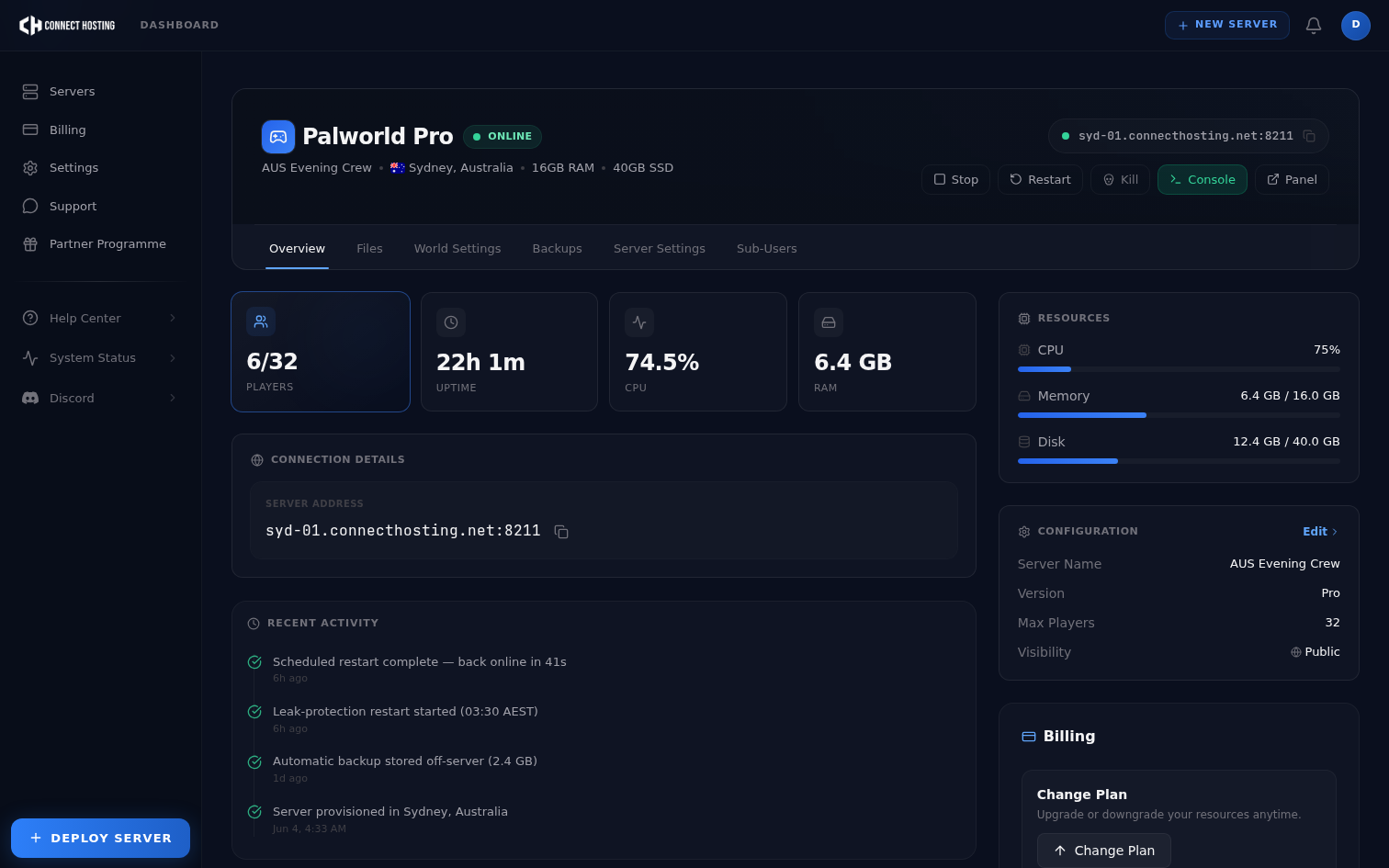
On our panel none of this can bite you: you set values in the UI and the parser writes a valid file on restart. If you'd rather configure with sliders than a text file, our Palworld hosting does exactly that, with the same four presets built in.
Frequently Asked Questions
What is the best ExpRate for a Palworld server?
For a group that wants to see content without grinding, 1.5x to 3x is the sweet spot. 2x is the most common choice. Anything above ~5x trivialises early progression. Set Difficulty=None first, or your ExpRate won't apply.
Do PalWorldSettings.ini changes need a restart?
Yes. Stop the server, edit the file, then start it. Editing while the server runs means your changes get overwritten when it next shuts down.
Does PalSpawnNumRate affect server performance?
Yes — it's one of the two heaviest settings (with BaseCampWorkerMaxNum). More spawned Pals means more AI the server tracks. Keep it at 1.0 unless you have RAM and CPU headroom to spare.
How do I reduce lag from settings alone?
Set bEnableInvaderEnemy=False (roughly halves memory-leak growth), keep PalSpawnNumRate and BaseCampWorkerMaxNum near default, and schedule a daily restart. Settings help, but the memory leak is the real cause of creeping lag.
Where do I find all the Palworld settings?
The full list is in the official configuration docs. This guide covers the ones worth changing; the docs list every key without recommended values.
Want presets without the text file? On our Palworld server hosting, Casual, Balanced, Hardcore and PvP are one click on the panel — configure a server, all 32 slots included.