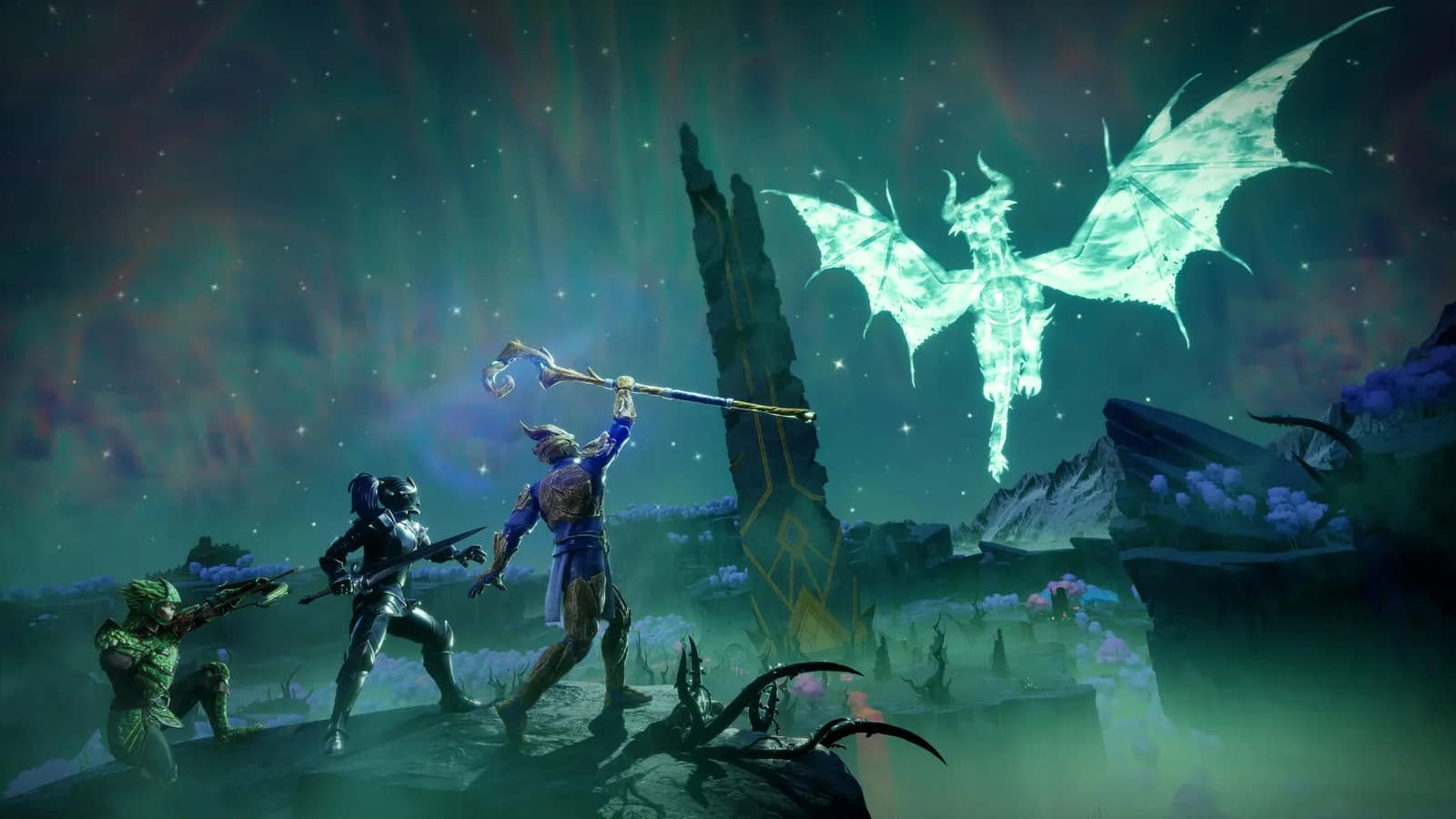
1.0 launched 15 September 2026 on PC, PlayStation 5, Xbox Series X|S, Nintendo Switch 2
RuneScape: Dragonwilds Server Hosting
Ashenfall Stays Open When You Log Off
The official 1.0 dedicated server, updated from Steam on every restart so it stays on the players’ build. All 6 seats on every plan, backups included, your existing world welcome. Online in about a minute.
How players find your server, in the game
- Worlds
- Public
- Search “Ashenfall Crew”
The exact world name, case-sensitive. You choose it at checkout.
From$13.99/mo· all 6 seats on every plan
- Online in about a minute
- DDoS protection
- Dedicated RAM, NVMe storage
- Backups included
Three sizes. Six seats on every one.
Jagex’s guide sizes a server at 2 GB plus 1 GB per player, so a full table of six needs 8 GB — the smallest plan we sell. The game caps a dedicated server at 6 players and every plan carries all of them. RAM is the only choice.
Bronze
A full table of six on the RAM Jagex’s own guide asks for.
8 GBRAMJagex’s guide: 2 GB + 1 GB per player. Six players is 8 GB.
6 seats$13.99/moRune
RecommendedHeadroom above the guide’s minimum for a world that keeps growing.
12 GBRAM4 GB above the six-player figure in Jagex’s guide.
6 seats$19.99/moDragon
Twice the guide’s six-player figure, for the long campaign.
16 GBRAMDouble the six-player figure in Jagex’s guide.
6 seats$25.99/mo
Save 10% on quarterly and 20% on yearly terms. Cancel anytime. PayPal and card accepted.
Change plan any time and your world comes with you. 72-hour money-back guarantee.
Dragonwilds dedicated server hosting, as Jagex ships it
The official server on Linux, kept on the current build, with the six seats the game allows and the settings you actually need on one dashboard tab.
29,000 playing at once
Steam concurrent players on 27 September 2026, twelve days after 1.0.
The official server, on Linux
Jagex’s dedicated server from Steam (app 4019830), run natively on Linux. No wrapper, no emulation.
Updated on every restart
A Dragonwilds server has to be on the same build as the players or it disappears from their world browser. Ours checks Steam each time it starts, so a restart is the whole update.
All six seats, every plan
The game caps a dedicated server at 6 players (Jagex’s guide). Every plan carries all of them — RAM is the only thing you choose.
Your world, uploaded
Copy a .sav from a locally hosted game into RSDragonwilds/Saved/Savegames on the server, restart, and carry on. World rules travel inside the save.
Settings from the dashboard
Owner ID, world name, server name, admin and world passwords, player cap — edited on the Server Settings tab and written into DedicatedServer.ini on restart.
Backups, files, SFTP
Connect backups you can restore with one click, a file manager in the panel and SFTP for everything else. The saves folder is yours to read and copy.
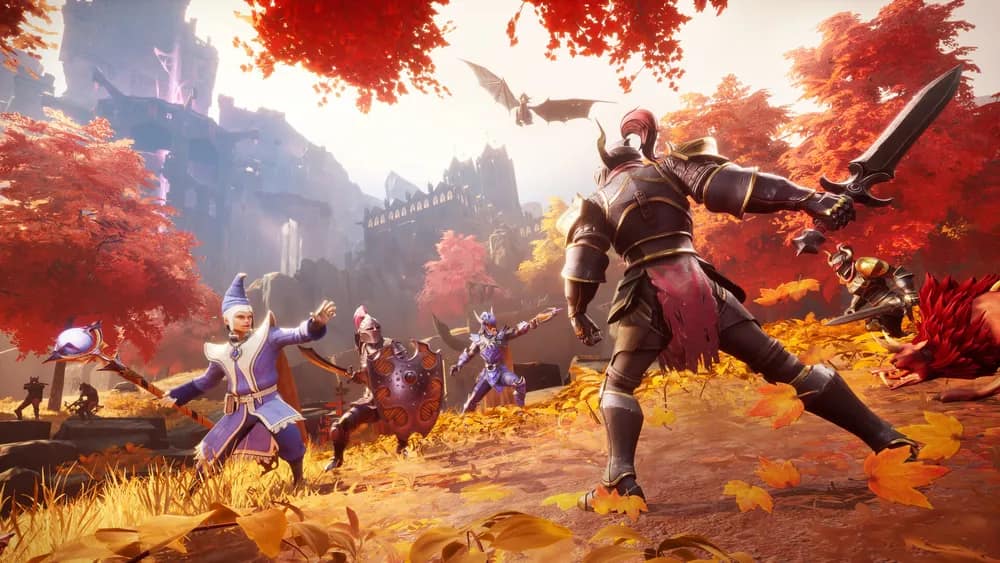
All six seats, every night
Dragonwilds caps a server at six adventurers, and every plan carries all six seats. Friends search the world name under Worlds → Public and drop straight in.
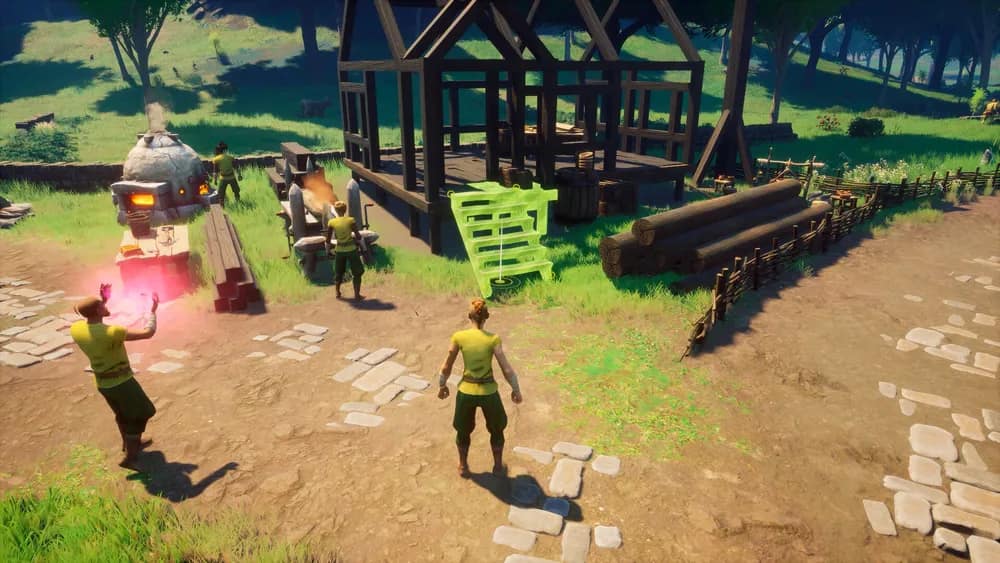
Ashenfall stays open when you log off
The world lives on the server, not on the last host’s PC. Log off mid-build and every beam is exactly where you left it in the morning.

On the players’ build, always
Jagex is patching fast after 1.0. Your server checks Steam each time it starts, so a restart is the whole update — no manual patching, no version mismatch.
Rent a Dragonwilds server in four steps
- 1
Pick a plan and a region
Bronze, Rune or Dragon, in US East, London or Frankfurt. Pay with PayPal or card. Name your world at checkout — that name is what players will search for.
- 2
The server boots on the current build
Provisioning is automatic. The official dedicated server installs from Steam and starts; the whole thing takes about a minute.
- 3
Add your Player ID in Server Settings
Your Player ID makes you the server’s owner — the one account that can unban players and use the owner-only server management. It is at the bottom of the in-game Settings menu. Paste it at checkout or afterwards on the Server Settings tab, then restart.
- 4
Friends search the world name
In the game, they open Worlds → Public and type the exact world name, case-sensitive. Add a world password if you want the table kept to people you know.
The world browser
One name is the whole invite
Friends never need your IP. The route Jagex documents is a search: Worlds → Public, then your exact world name — capital letters and all. Try the search your friends will run.
WorldsPublic
Try:
This demo server is called “Ashenfall Crew” — the Default World Name its owner chose at checkout.
Why the name matters this much: Jagex lists a known issue where inviting someone to a dedicated server through a Steam invite does not connect as intended. The name your friends type is the invite that works. Server not showing? The fix-it guide.
Every setting the server reads, on one tab
Jagex’s server takes its owner, world name, passwords and player cap from one config file. The Server Settings tab edits exactly those fields, with the Owner ID flagged until you have added yours.
panel.connecthosting.net/servers/ashenfall-crew
Ashenfall Crew
RuneScape: Dragonwilds · London
4/6 onlineOnline
Server SettingsSave & restart
Owner ID (your Player ID)RequiredK7QX2M9A………………………4R2M
Default World NameAshenfall Crew
Server NameAshenfall
Admin Password••••••••••••
World Password••••••
Max Players6
Update from Steam on restart
› Success! App '4019830' already up to date.
› [connect] config file in use: RSDragonwilds/Saved/Config/LinuxServer/DedicatedServer.ini
› Server running — players search the world name in Worlds → Public
Save, then restart
The server writes your settings into DedicatedServer.ini each time it starts, so a change applies on the next restart and nothing is lost to a live edit.
Files and SFTP
Browse RSDragonwilds/Saved in the file manager, drop a .sav into Savegames, or connect over SFTP for anything bigger.
Backups and schedules
Take a backup by hand or on a schedule and restore it with one click. Schedule a nightly restart and the server picks up any Steam update while it is quiet.

Global network
Three Regions, Pick the Closest
The same DDoS-protected stack with dedicated RAM and NVMe in every region.

LONDON
FRANKFURT
US EAST
RuneScape: Dragonwilds server hosting by region: London, United Kingdom · Frankfurt, Germany · US East, Virginia, US
What a dedicated server changes
Hosting a world from inside RuneScape: Dragonwilds works until the host wants to sleep. A dedicated server takes the world off their machine and keeps it open.
| Hosting from the game | A Connect dedicated server | |
|---|---|---|
| When the world is open | Only while the host is in the game. | Around the clock, whoever is online. |
| Where the save lives | In the host’s local save folder. | On the server, in RSDragonwilds/Saved/Savegames, with backups. |
| How people join | An invite code from the host’s pause menu. | Search the exact world name in Worlds → Public; add a world password to keep it private. |
| When Jagex patches | The host updates their game. | The server updates from Steam on restart, so it stays on the players’ build. |
| Who runs it | The host, from their own screen. | You as owner (by Player ID); friends with the admin password can ban online players. Only the owner can unban. |
Crossplay on 15 September 2026: what Jagex has said
Jagex’s 1.0 release notes added a crossplay option to dedicated servers. PC players join by searching the exact world name in Worlds → Public; we are testing the console route on our own servers before we describe it here.
RuneScape: Dragonwilds server hosting FAQ
Want the long version? The Dragonwilds server guides cover setup, the Owner ID, a server that will not show in the world browser, and moving a world.
Dragonwilds dedicated server guides
Written for the 1.0 server and kept current with it. Start with whichever problem you have.
Set up
Find the server
Something else? Browse the help centre or open a ticket from your dashboard.