How to Update a Palworld Dedicated Server: Auto-Update, Version Mismatch & Patching Safely
Palworld dedicated servers don’t update themselves. How to fix "incompatible version", update without losing your world, and why auto-update and mods don’t mix.
August 9, 20265 min read
Share:
Share
On This Page
Palworld's dedicated server does not update itself. Your game client does — Steam keeps it current whether you ask it to or not — and that asymmetry is the whole reason "incompatible version" exists.
Pocketpair pushes a patch, your client picks it up overnight, your server is still on last week's build, and by morning nobody can connect to a server that is running perfectly well.
Do Palworld servers auto-update?
Not on their own. The dedicated server is a separate Steam application (app 2394010) from the game itself, and nothing in it reaches out for new builds.
What varies is whether something else updates it for you:
Self-hosted, following the official setup: no. You re-run SteamCMD by hand after every patch.
Docker images and community server managers: usually yes, on container start.
Managed hosts: normally a setting. Some update on every restart, some only when you press a button, and a few never do unless you ask support.
So "do Palworld servers auto-update" has no universal answer — it depends entirely on what's wrapping the binary. If you don't know which applies to yours, assume no and check.
The validate flag re-checks every file against Steam's manifest, so it repairs a partial or corrupted download at the same time. It's slower than a plain update and worth it after any failed patch.
On a managed host, this is your control panel's update or reinstall action. If the server comes back on the old version anyway, the update didn't actually download — see server won't start, because a silently failed SteamCMD pull is the same root cause as a failed first install.
If the server is already current, the mismatch is on the player's side. Steam sometimes defers an update while the game is in your library but not running — have them right-click Palworld, Properties, Updates, and check for a pending download.
Compare that against Palworld's current build before you start reinstalling things. A surprising share of "update broke my server" threads turn out to be a server that never updated at all.
Save before you update
Palworld writes the world periodically rather than continuously, and the gap is controlled by AUTO_SAVE_SPAN. A default-ish setting means a hard stop can cost you everything since the last write.
The safe sequence:
/Save — force a write.
/Shutdown 60 "Updating, back shortly" — warns players, then stops cleanly.
Run the update.
Start, and confirm the version with /Info.
Avoid /DoExit and avoid your panel's Kill button here. Both skip the save, and an update is the worst moment to lose the last stretch of play.
Take a backup first if the update is a major version rather than a hotfix. Palworld carries worlds forward between builds reliably — 1.0 took existing saves without drama — but "reliably" is not "always", and a world you can restore costs you five minutes.
Auto-update is not free if you run mods
This is the trade-off nobody mentions when they recommend turning auto-update on.
Mods are built against a specific game build. When the server updates underneath them, anything incompatible can take the server down on boot — and if updates are automatic, that happens unannounced, usually while you're asleep. A modded server that boot-loops for no visible reason has very often just auto-updated overnight.
If you run mods, the honest recommendation is to turn auto-update off and patch deliberately: update the server, start it clean with mods moved aside, confirm it boots, then reintroduce them one at a time. Slower, but you find out on your schedule instead of your players'.
Vanilla server? Leave auto-update on. There is no upside to running an old build.
Worth knowing if you're weighing mods at all: most of what people call "Palworld server mods" can't run on a Linux dedicated server in the first place — see what actually works before you plan around them.
After a big patch, expect the first boot to be slow
A major update usually means a longer first startup while the server rebuilds caches, and often a heavier memory footprint than you're used to for the first session.
If the server dies a few minutes after a big patch, look at memory before you look at the patch — the memory leak starts from a higher baseline on some builds, and a box that was comfortable at 8GB can stop being comfortable. How much RAM you actually need has the current numbers.
On a Connect server
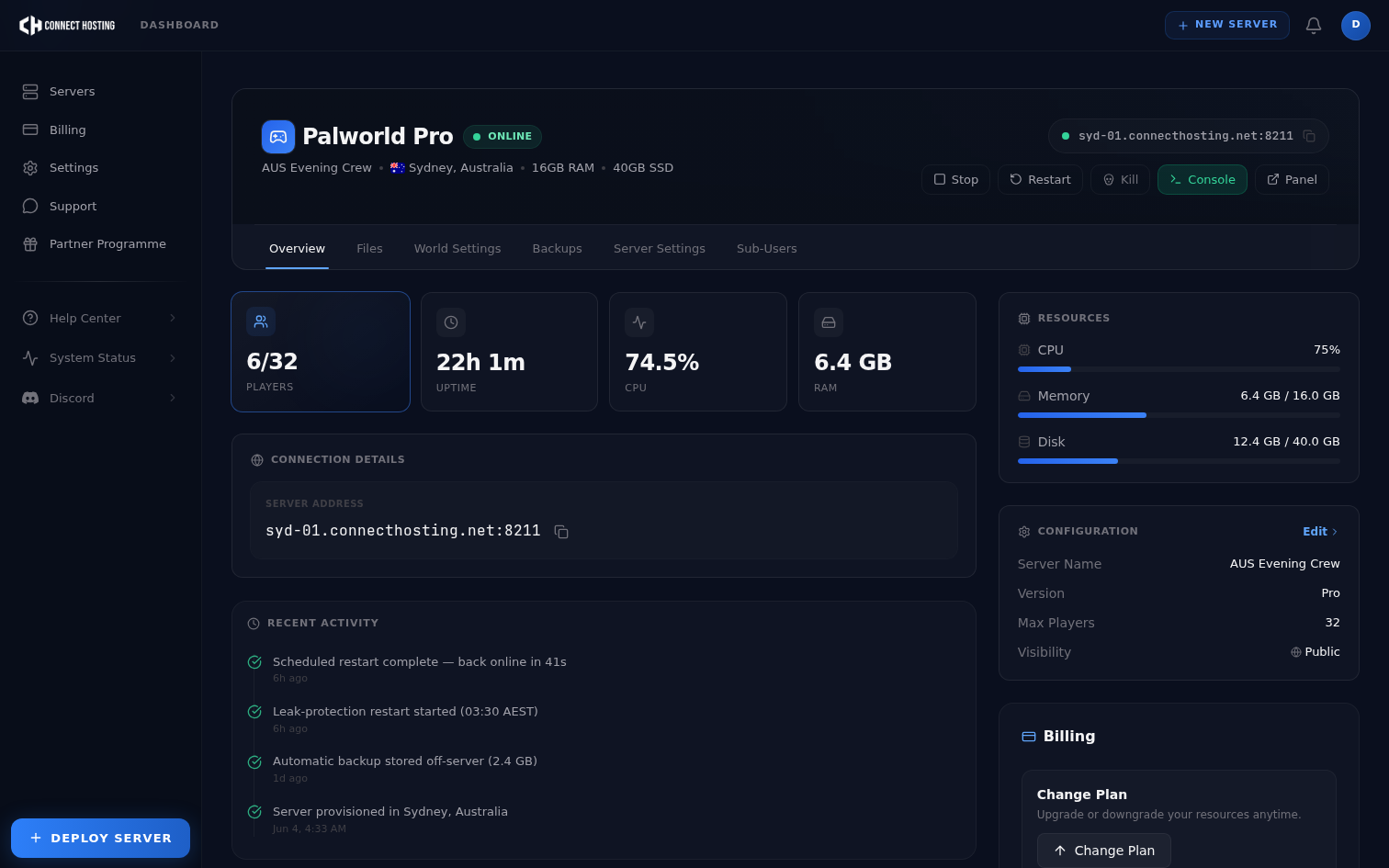
Auto-Update is a toggle in the panel — when it's on, the server pulls the current Palworld build on every restart. Combined with the automated daily restart that keeps the memory leak in check, that means a vanilla server tracks the live build without anyone thinking about it, and version mismatches stop being a thing you deal with.
If you're running mods, turn it off and update on your own terms. The toggle is there precisely so that's your call rather than ours.
Tired of patching a server by hand every time Pocketpair ships a hotfix? Compare Palworld server hosting plans — panel-toggled auto-updates, automated daily restarts, and all 32 slots included.