How to Make an ATM10 Aeronautics Server (Setup, RAM and Updates)
Where the ATM10 Aeronautics server files are, which Java and NeoForge it needs, how much RAM a group needs, the settings for airships, and how to update safely.
To make an ATM10 Aeronautics server, download the official server pack from the pack's CurseForge Files tab, unzip it, and run startserver.sh (or startserver.bat on Windows) with Java 21 installed. The script installs NeoForge 21.1.250 for Minecraft 1.21.1 on its first run. Give the server 10GB of RAM as the floor and 12GB for a group, and set that in user_jvm_args.txt before you start, because the file ships with no memory limit switched on.
This guide covers files, Java, memory, the settings worth changing for airships, and updating without losing the world. For how your group joins and plays, read how to play ATM10 Aeronautics with friends.
What the pack is
All the Mods 10 Aeronautics is a separate pack from the ATM team. It takes the ATM10 mod list and builds Create: Aeronautics into it, the mod that turns Create contraptions into planes, balloons and airships that fly. An ATM10 world can't be moved into it. Still choosing? See our ATM10 vs Aeronautics vs To the Sky comparison.
21 or newer. The script refuses to start on anything older
Current release
ATM10AERO-0.8.0, released 29 October 2026
Server download
ATM10AERO-0.8.0-server.zip, about 920MB
Mods in the server pack
422 mod files
Server RAM
10GB minimum, 12GB recommended
Two things trip people up before they start:
Use the server pack, not the client pack. Releases on CurseForge have a client file and, listed with it, a separate server pack. Unpacking the client file gives you a server full of mods that can only run on a player's PC, and it crashes on start, usually naming a client-side class such as org/lwjgl.
Not every release has a server pack. 0.4.1, 0.6.0, 0.6.1 and 0.7.1 were published without one. If the newest release has none, set up the most recent release that does, and have your players install that same version.
Setting it up
Download the server pack. On the pack's CurseForge page go to Files, open the release you want, and download the server zip from its additional files.
Unzip it into an empty folder. You get mods, config, defaultconfigs, kubejs, datapacks and the two start scripts.
Check Java. Run java -version. You need 21. If you have several versions installed, set an environment variable called ATM10_JAVA to the full path of the Java 21 binary and the script will use that one.
Install NeoForge. Run the start script once. It downloads the NeoForge 21.1.250 installer, installs it into a libraries folder, and writes a server.properties with the pack author's defaults. To install without starting the server, set ATM10_INSTALL_ONLY=true first.
Set the memory. Open user_jvm_args.txt, which the NeoForge installer creates. Its example line is commented out, so add your own: -Xmx12G for 12GB. Without this line the server does not get the memory you meant it to have.
Accept the EULA. Start the server, let it stop at the EULA message, change eula=false to eula=true in eula.txt, and start it again.
Wait for the first world. The first full start is the slowest: NeoForge loads 422 mods and the world is generated. Let the console reach "Done" before anyone joins.
The script restarts the server 10 seconds after it stops. Set ATM10_RESTART=false to switch that off while you edit files.
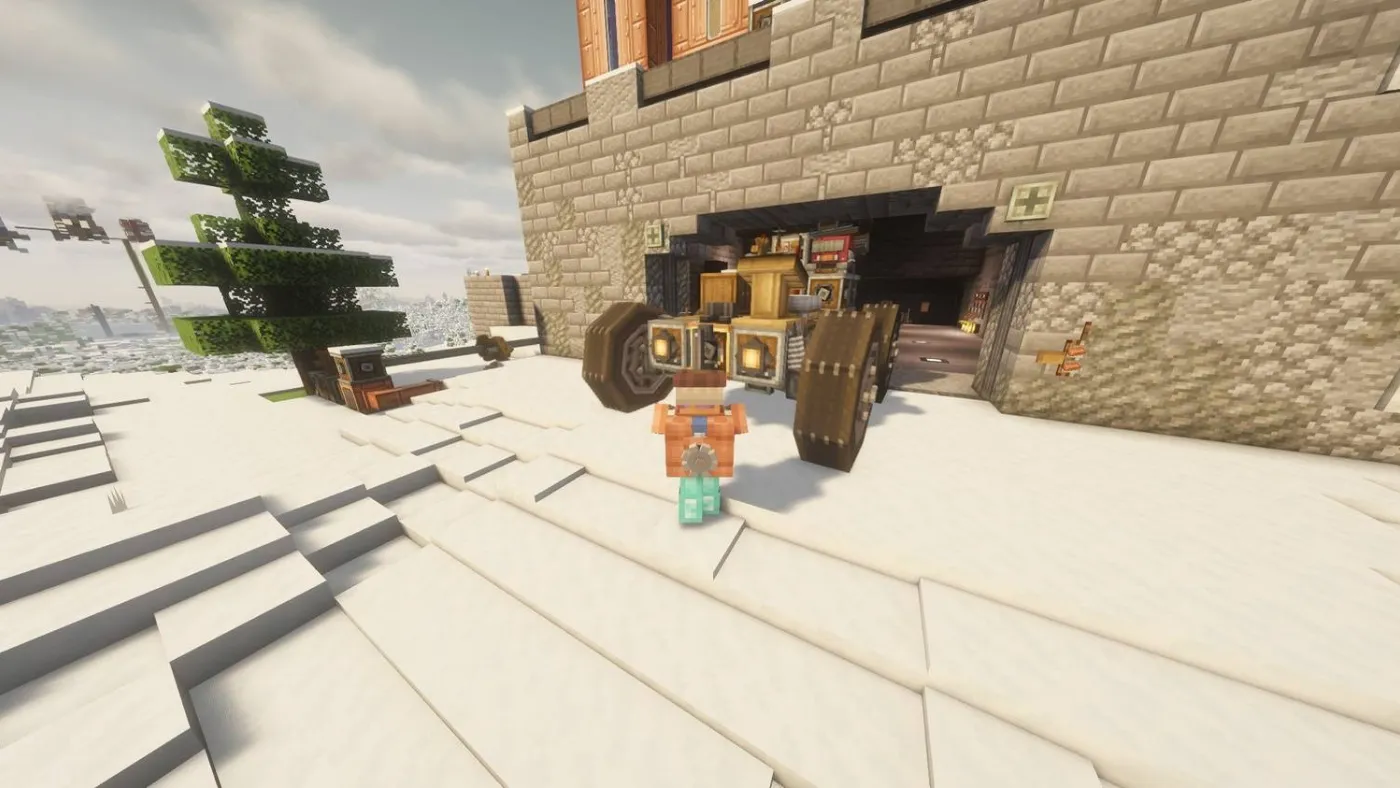
A wheeled vehicle built with Create: Aeronautics
How much RAM, by group size
Group
Server RAM
Why
2–4 players, new world
10GB
The floor. Below it the pack runs short of memory once people start building
A group that plays most weeks
12GB
Room for bases, machines and several ships loaded at once
A public server or heavy automation
16GB
Loaded chunks and machines grow the memory bill more than player count does
At home, that comes on top of what your own game uses. Memory is only half of it: the server does most of its work on one CPU core, and a moving ship's physics adds to that core's load. If the server has free memory and still stutters when a big ship is under way, more RAM will not fix it. More in how much RAM a modded Minecraft server needs.
Settings worth changing for airships
The start script only writes server.properties when the file doesn't exist. These are its defaults, and they are worth keeping, or copying in if your server was set up another way:
allow-flight=true. Minecraft's default is false, and it covers flight in Survival "by using mods". Turn it on, or players flying ships risk being kicked.
max-tick-time=180000. This is how long a single tick may take, in milliseconds, before the server's watchdog stops it. Minecraft's default is 60000. On a pack this size a long tick during world generation can hit 60 seconds, so the pack allows three minutes.
simulation-distance=4 and view-distance=7. Minecraft defaults both to 10. Lower distances mean fewer chunks for the server to tick and send, which matters more when players fly across the map.
Ships run on Sable, the physics library Create: Aeronautics depends on. Its settings live in config/sable-common.toml:
sub_level_tracking_range (default 320) is how far away, in blocks, a ship is sent to players. Lowering it on a busy server cuts network and processing work for ships that are far away.
sub_levels_with_players_cannot_unload is on. A ship with someone aboard stays loaded, so a long flight doesn't drop out from under a player.
disable_udp_pipeline is set to true in this pack, so the server needs only the normal Minecraft port.
Two mods in the pack help with performance:
spark is a profiler. /spark tps shows tick rate and CPU, /spark health adds memory and disk, and /spark profiler start then /spark profiler stop shows what is using the tick, whether that's a ship, a farm or a machine.
FTB Chunks lets players claim chunks and force-load them. Every force-loaded chunk keeps running when nobody is near it, so agree as a group on what deserves to stay loaded.
Don't add extra mods. Sable's own page calls it very intrusive and prone to compatibility issues, and every update means re-adding them by hand.
Rock spires over the sea in All the Mods 10 world generation
Updating the pack without breaking the world
Aeronautics is on 0.x versions and has released often: nine files between August and October 2026. Each update on a self-hosted server goes like this:
Check the new release has a server pack. If it doesn't, wait.
Stop the server and back up. Copy the whole folder, or at least world, somewhere safe.
Replace the pack folders. Delete mods, kubejs, defaultconfigs and datapacks, then copy in the new ones. Deleting first matters: copying over the top leaves old mod files beside new ones. Replace config too, then put back any edits you made, such as Sable's.
Keep your own files.world, server.properties, whitelist.json, ops.json, eula.txt and user_jvm_args.txt stay.
Check the NeoForge version. Open the new startserver.sh and compare NEOFORGE_VERSION with the old one. It moved from 21.1.248 to 21.1.250 between 0.5.1 and 0.7.0. If it changed, delete the libraries folder so the script installs the new NeoForge. Then check your memory line is still in user_jvm_args.txt.
Update every player to the same version before anyone joins.
If the new version misbehaves, restore the backup rather than putting the older mods back over a world that newer mods have already saved.
Common server errors
"Minecraft 1.21 requires Java 21 - found Java 17". The script found an older Java. Install Java 21, or point ATM10_JAVA at it.
"could not open libraries/net/neoforged/neoforge/.../unix_args.txt". The NeoForge version changed in an update but the old libraries folder is still there, so the script skipped the installer. Delete libraries and start again.
The server crashes on first start, naming client classes. You unpacked the client file. Download the server pack.
A crash report saying a single tick took too long. The watchdog fired. Check max-tick-time is 180000, not Minecraft's 60000.
Out-of-memory crashes an hour into a session. The -Xmx line is missing or too low. Set 10GB at least.
Players kicked for flying.allow-flight is false. Set it to true.
Players get a mod mismatch when joining. Their pack version differs from the server's. Our with-friends guide covers keeping a group on one version.
Skipping the setup
When you order from our ATM10 Aeronautics server hosting page, the pack is already selected. We install NeoForge, Java 21 and the official server files before your first join, and the plan picker doesn't offer anything below the pack's 10GB floor. For most groups that means the 12GB plan at $23.99/month. Take a backup from the Backups tab before you update the pack, so a bad release is a restore. Server settings, including allow flight, are toggles in the panel.
Our 72-hour free trial tops out at 8GB, below this pack's floor, so it can't run ATM10 Aeronautics. If you want to try airships first, All of Create Aeronautics is a smaller pack built around the same mod, and it fits the free trial.
The short version
Download the server pack, not the client pack, from the release's files on CurseForge. Install Java 21, run startserver.sh once to install NeoForge 21.1.250, put -Xmx12G in user_jvm_args.txt, accept the EULA and start it. Keep the pack's allow-flight, max-tick-time and distance defaults. On every update, back up, swap the pack folders, and delete libraries if the NeoForge version changed. Or order an ATM10 Aeronautics server and it arrives with all of that done.
Frequently Asked Questions
Where are the ATM10 Aeronautics server files?
On the pack's CurseForge page, under Files. Open a release and the server pack is listed with it, for example ATM10AERO-0.8.0-server for 0.8.0. Some releases, such as 0.7.1, shipped without one.
What Java version does ATM10 Aeronautics need?
Java 21. The pack runs NeoForge on Minecraft 1.21.1, and its start script stops with an error if it finds an older version.
How much RAM does an ATM10 Aeronautics server need?
10GB is the minimum and 12GB is our recommendation for a group that plays regularly. A public server or a world with heavy automation should have 16GB.
Why do players get kicked when flying an airship?
allow-flight is set to false in server.properties. The pack's start script sets it to true on a fresh install, but a server set up another way may still have Minecraft's default.
Can I update ATM10 Aeronautics without losing my world?
Yes. Back up, replace the pack's mods, config, kubejs, defaultconfigs and datapacks folders, keep world and your settings files, and reinstall NeoForge if the version changed. Restore the backup if the new release causes problems.
Can I add Create: Aeronautics to an existing ATM10 server instead?
You would get the mod, not the pack. Aeronautics adds its own items, pipes and balance changes around the airships, and the two packs can't share a world.