Free Minecraft Server,
Try Your Modpack Before You Buy
Connect Hosting gives you a real Minecraft server from the paid node pool, free for 72 hours: your modpack installed, Java and Bedrock together on Paper, the full panel — and no card, so nothing can be charged when it ends.
4 GB or 8 GB · London, United Kingdom, Virginia, US East and 4 more · unlimited slots · one per person
Paper
Free Minecraft trial
What you get in the free Minecraft server trial
- 72 hours
Clock starts when the server is online, not when you click
- 4 GB or 8 GB RAM
30–60 GB NVMe · 3 backup slots · the rung is sized to your pack
- 3,000+ packs
CurseForge and Modrinth, installed in one click
- 0 cards
Nothing to enter, nothing to charge
Trial terms and specs read live from our plan catalogue · platform figures checked
Not a demo
Same Server as the Paid Plan, Your Pack Installed
The trial runs on the paid node pool with the paid plan’s RAM, disk and CPU share. Nothing is throttled or hidden, so what the pack does in the first hour is what it would do every month.
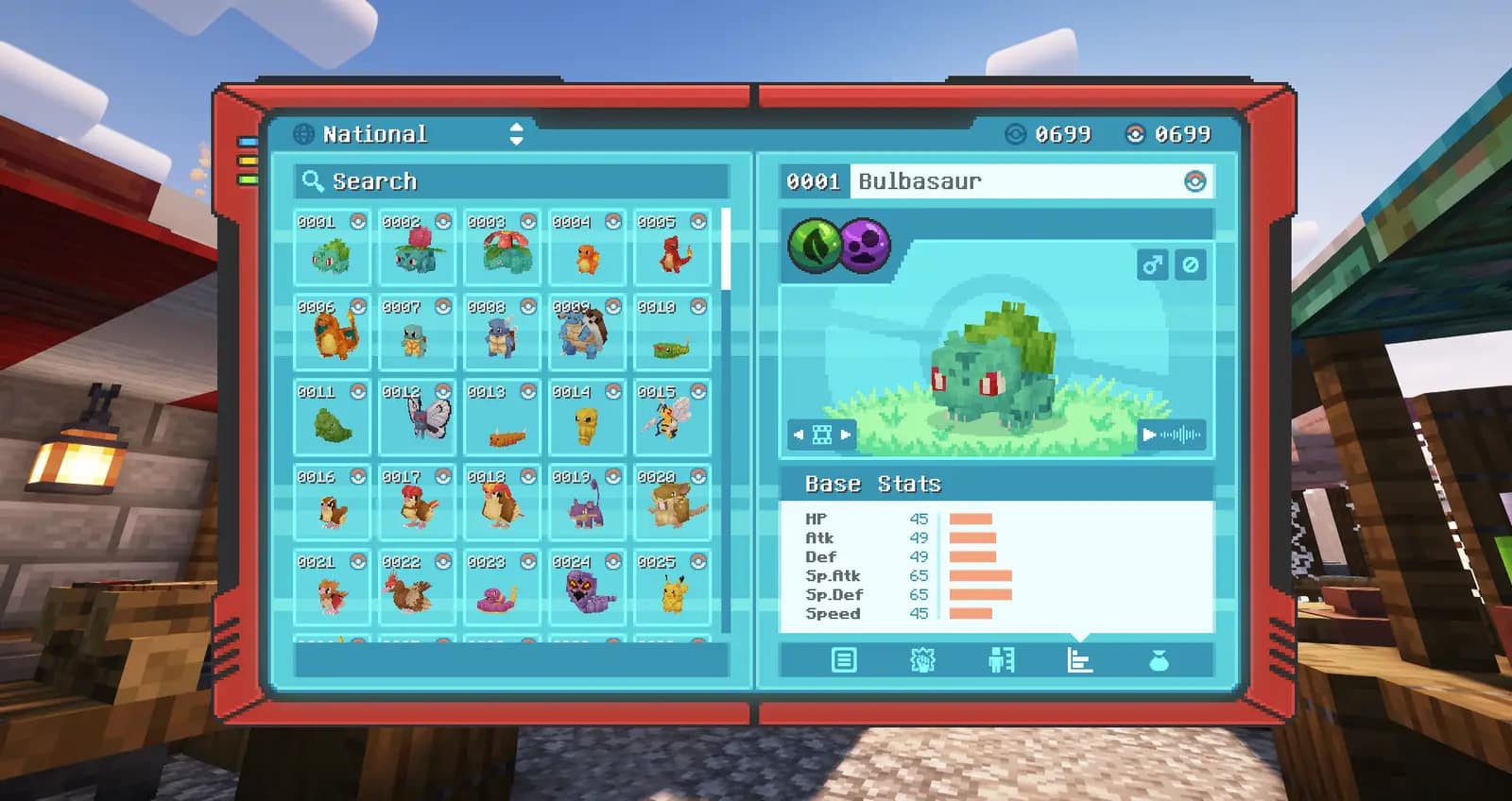
Your modpack, installed for you
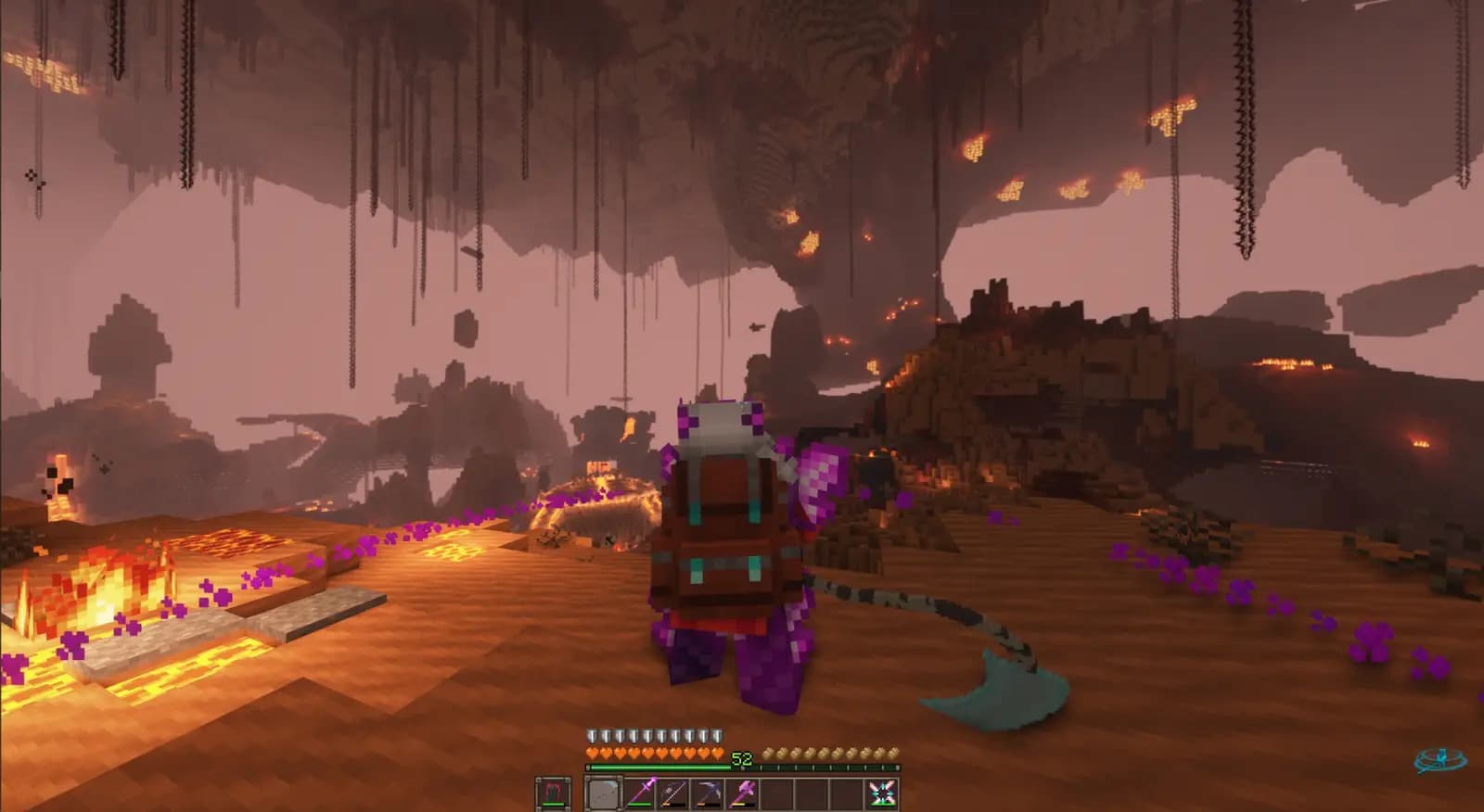
Pick any pack from the CurseForge or Modrinth catalogues in the start flow and the server installs the right loader, Java runtime, mods and configs itself. The trial exists to answer one question — does this pack run here, with your friends on it — so the install is the real one, not a demo world.
The whole panel, nothing capped
Live console, file manager, SFTP, server.properties as a form, scheduled restarts, off-server backups and the mod installer — the same dashboard a paying customer gets, on the same hardware. If the pack stutters here it would stutter after you paid, which is the point of trying first.
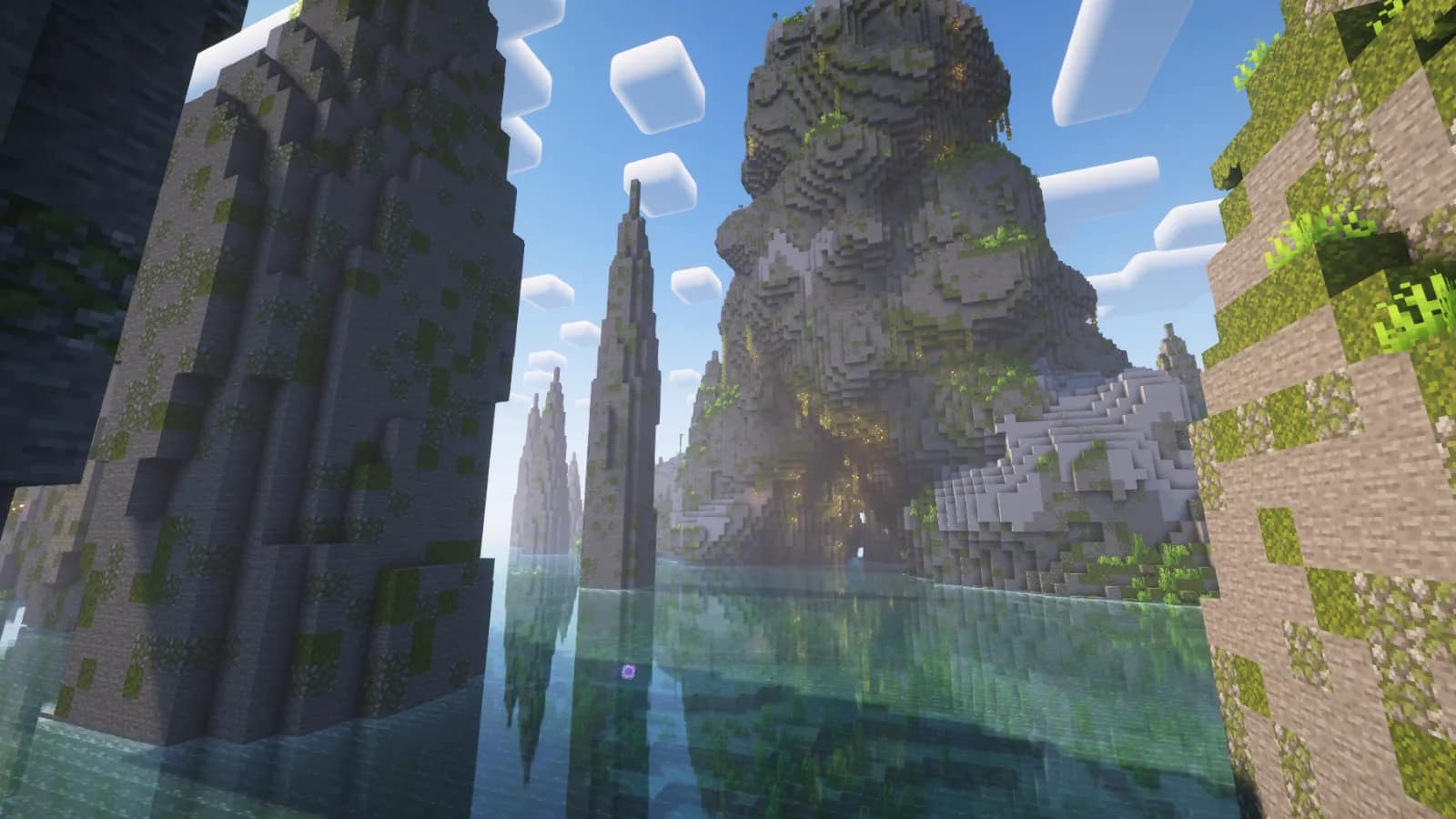
Java and Bedrock together
On Paper, one toggle installs Geyser and Floodgate so console, phone and Windows Bedrock friends join the same world on the same address as Java players. Unlimited player slots on every plan, the trial included — invite the whole Discord, not ten of them.
 THREE SCREENS · NO CARD
Your 72-hour Server: Three Steps to the Address
Pick a region
We pre-select the region nearest to you and show the ping for each. Switch it with a tap; paid plans open in every Minecraft region.
Choose Paper, Vanilla or a modpack
Paper is pre-selected for a plugin or crossplay server. Switch to Vanilla, or search the CurseForge and Modrinth catalogues and pick a pack — the rung is sized to it.
Continue with Discord
One trial per person, and Discord is how we check that. The same button signs you in and creates the server. No card, no form, nothing to charge.
The server boots and its address appears in the panel. A modpack install takes longer than a Paper boot, and the clock only starts once the server is online.
Sized before you start
Which Modpacks Fit the Free Trial?
The trial’s largest rung is 8 GB of RAM. The start flow sizes the rung to the pack you pick and refuses one that needs more, using the same server-side RAM floors our checkout enforces. Of the 21 packs we host most often, 17 fit the trial and 4 need a paid plan.
Fits the 8 GB trial
17 PACKS RLCraftForge · 4 GB min
 SkyFactory 4Forge · 4 GB min
 Tensura EvolutionsNeoForge · 4 GB min
 All of Create AeronauticsNeoForge · 6 GB min
 All the Mods 10: To the SkyNeoForge · 6 GB min
 Cobblemon Official ModpackFabric · 6 GB min
 Cursed WalkingForge · 6 GB min
 SkyFactory 5Forge · 6 GB min
 The Pixelmon ModpackNeoForge · 6 GB min
 VerityCraftForge · 6 GB min
 All the Mods 11NeoForge · 8 GB min
 Better MC [Forge] BMC4Forge · 8 GB min
 Beyond DepthForge · 8 GB min
 CobbleverseFabric · 8 GB min
 DeceasedCraftForge · 8 GB min
 MC Eternal 2Forge · 8 GB min
 Prominence II: Hasturian EraFabric · 8 GB min
Needs a paid plan
4 PACKS| Modpack | Loader | RAM floor | Smallest paid rung |
|---|---|---|---|
 All the Mods 10 All the Mods 10 | NeoForge | 10 GB min | 12 GB plan |
 All the Mods 10 Aeronautics All the Mods 10 Aeronautics | NeoForge | 10 GB min | 12 GB plan |
 All the Mons All the Mons | NeoForge | 10 GB min | 12 GB plan |
 DawnCraft — Echoes of Legends DawnCraft — Echoes of Legends | Forge | 10 GB min | 12 GB plan |
RAM floors are the pack authors’ own server-side minimums, or our bench measurements where authors publish none. Packs not listed are sized by their loader when you pick them. Every plan has unlimited player slots; RAM is what a pack needs, not the player count.
A real test, not idle time
What to Do in 72 hours
A pack install, a full group online and a backup is a normal first weekend. Here is how to spend the trial so you know what the server is like with everyone on it, not just you.
- Day 1
Install the pack, get everyone in
Start on Paper or pick the modpack you actually want to play. Share the address, set a whitelist from the console, and watch the panel while the whole group loads in at once — chunk generation with ten people exploring is the real performance test.
- Pack installed and server booted
- Whitelist on, friends joined
- TPS watched during first exploration
- Day 2
Crossplay, plugins and settings
On Paper, flip the Bedrock crossplay toggle and have a console or phone player join. Drop a plugin .jar in via the file manager, change gamemode, difficulty and view distance in the server.properties form, and restart from the panel to apply.
- A Bedrock player joined via Geyser
- A plugin installed from the file manager
- Settings changed and applied on restart
- Day 3
Back up, then decide
Take a manual backup from the Backups tab and check it is listed. Then decide: if the group wants to keep going, buy any plan after the trial ends and this world loads onto the new server. If not, nothing to cancel — no card was taken.
- A manual backup taken and listed
- The rung you would buy chosen from the fit table
- Decision made before the clock runs out
The control panel
Your Whole Server,
One Dashboard
Console, power, versions and settings — everything lives in one clean web panel. No SSH, no FTP spelunking.
Live console
Logs, player joins and commands in real time — run /whitelist or /op straight from the browser.
One-click power
Start, stop or restart the server — and watch it come back — in one click.
server.properties as a form
Gamemode, difficulty, whitelist, view distance and MOTD as simple fields — no config files.
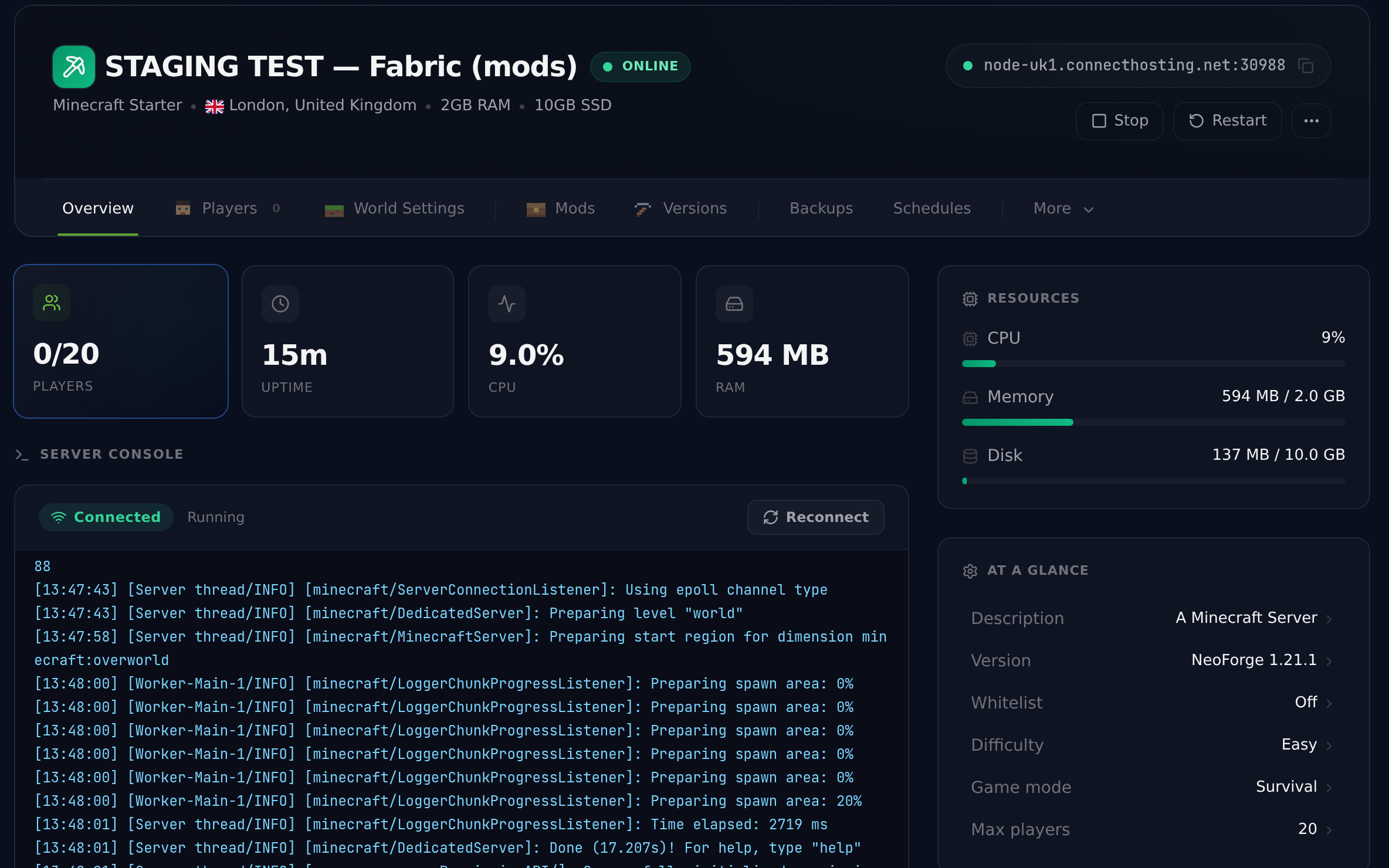
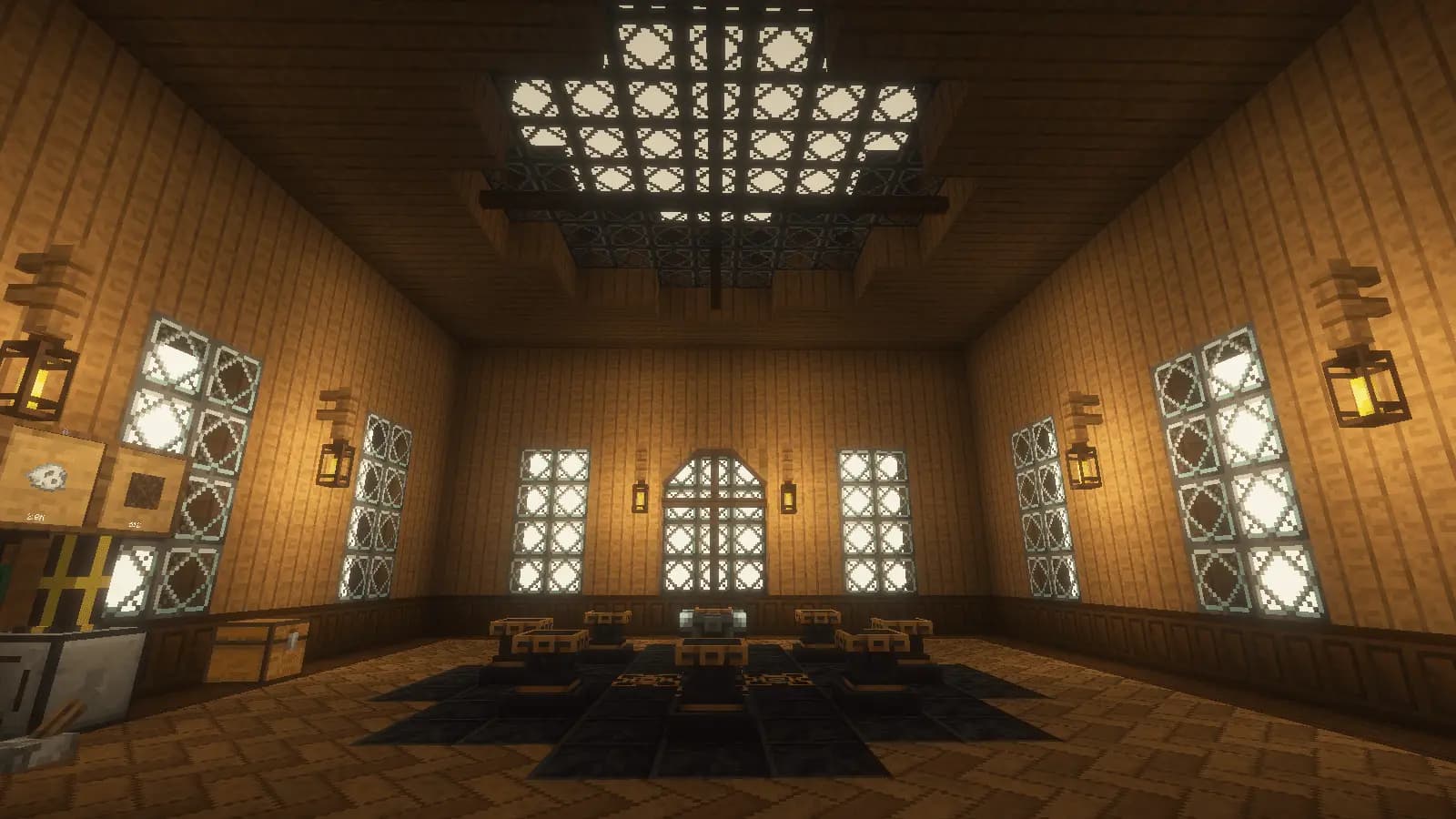
The clock starts once the server finishes installing and boots — a slow modpack download never eats into your trial.
Stated up front
What Happens in 72 hours
The server stops.
At the deadline the server is shut down and removed from the node. You get reminders before it happens.
Your world is kept for 60 days, and we tell you if we cannot package it.
We archive the world, mods and configs as the trial ends. When that succeeds it is held for 60 days; if it cannot be packaged automatically, you have 14 days to open a ticket so we can move it by hand.
Buy any time to bring it back.
Choose any plan afterwards and the saved world loads onto the new server. No card was taken, so nothing renews on its own.
The honest answer
Is Minecraft Server Hosting Free?
Connect Hosting offers a free Minecraft server trial: 72 hours on a real 4 GB or 8 GB server in London, United Kingdom, Virginia, US East and 4 more, with one-click modpacks, Java and Bedrock crossplay on Paper, no credit card, one trial per person, and the world kept for 60 days afterwards when it can be archived.
The software: free
The server software is free. Mojang publishes the Java Edition server jar at no cost, Paper, Fabric and NeoForge are free open-source projects, and you can run any of them on a PC you already own. What costs money is somewhere to run it around the clock: a machine that stays on while you sleep, a connection that can carry a modpack’s traffic, open ports, an up-to-date Java runtime, and backups that actually exist.
The hosting: try it free, then from $3.99/mo
Free-forever hosts exist, and they pay for themselves with queues, sleeping servers, small RAM allowances and ads — fine for a vanilla weekend, rarely enough for a modpack. Connect Hosting’s free trial is the other route: a real server from the paid node pool, with the paid plan’s RAM, disk and panel, for a fixed window with no card and no automatic charge. If it fits, paid Minecraft hosting starts at the price below and your trial world comes with you.
See every Minecraft planThree ways to run a Minecraft server without paying
Most large paid hosts offer no trial at all, only a refund window of a few days after you pay. The genuinely free routes are these three, and they differ on the things that decide whether a modpack weekend works.
| Connect Hosting free trial | Free-forever hosts | Hosting it on your own PC | |
|---|---|---|---|
| Card required | No | No | No |
| RAM | 4 GB or 8 GB, sized to the pack | Typically 1–4 GB | Whatever your PC can spare |
| Stays online | Around the clock for the trial window | Often sleeps when empty; queues to wake | Only while your PC is on |
| Modpacks | One-click from CurseForge and Modrinth | Limited or manual | Manual install, your Java runtime |
| Backups | Panel backups, stored off the host | Rarely | Your own |
| Ends with | Nothing charged; world kept 60 days when archived | Nothing, but it stays small | Nothing |
The facts behind the answer, from the sources
The Java Edition server software is free.
“Mojang Studios distributes the server software free of charge.”
Minecraft Wiki, “Setting up a Java Edition server”Current Java releases need Java 25.
“Java Edition 26.1 and later require Java 25; 1.20.5 to 1.21.x require Java 21.”
Minecraft Wiki, Java Edition 26.3 release notesPaper recommends more RAM than most people expect.
“We recommend using at least 6–10GB, no matter how few players you have.”
PaperMC docs, “Aikar’s flags”Bedrock crossplay is free, open-source software.
“Geyser is completely free and open-source, licensed under the MIT license.”
GeyserMC FAQ
Sources checked
Before you start
Free Minecraft Server Questions