Valheim Server Hosting,
Your Whole Crew Can Join
The official 1.0 dedicated server with crossplay switched on, so PlayStation 5, Xbox and Switch 2 friends join with a code straight from your panel console. Bring your existing world, keep it backed up, and be online in under 60 seconds.
From$7.99/mo· all 10 player seats on every plan
Pricing
Valheim Server Plans & Cost: Pick Your Ship. Every Seat Is Included.
Valheim allows 10 players per server and all 10 are yours on every plan — we never charge per slot. RAM decides how smoothly a busy, built-up world runs.
Karve
A fresh vanilla world for a small crew of friends.
Longship
The sweet spot — full 10-player crews and big builds.
Launch offer: 20% off your first month with code VALHEIM20 on monthly plans — applied for you at checkout, ends 31 October.
Save 10% on quarterly and 20% on yearly terms · Cancel anytime · PayPal & card accepted
Change plans anytime — your world moves with you. 72-hour money-back guarantee.
Why Connect Hosting
Valheim Dedicated Server Hosting, Built for 1.0
Console friends can join
Crossplay is switched on from the first boot, so PlayStation 5, Xbox and Nintendo Switch 2 players join with the six-digit code your server prints in the panel console. PC players use the same code or your IP and port. No flags to remember, nothing to reconfigure.

1.0 and the Deep North, day one
Every server runs the official 1.0 dedicated server and updates itself on restart, so a patch never leaves your crew stuck on a version mismatch. Upload an existing world and the Deep North generates in the parts of the map nobody has explored yet.

Bring your world, keep every seat
Your world lives in a saves folder you can see, edit and back up — drop in your .db and .fwl and carry on. Valheim allows 10 players and all 10 are included on every plan; we never price by seat, so RAM is the only thing you choose.
DDoS protection
Every server sits behind 480Gbps network-level protection as standard.
Automatic updates
The server updates from Steam on restart — no reinstalls, no tickets.
Backups, twice over
Valheim’s own rolling world backups plus Connect backup slots with one-click restore.
Full file & SFTP access
Your files are yours — file manager in the panel, SFTP for everything else.
Dedicated RAM & NVMe
Resources are reserved for your server, never oversold.
Support that answers
Real humans around the clock — including the week after a big patch.
Control panel
Run Your Valheim Server From One Screen
Crossplay and the join code, in one place
Crossplay is a toggle, on by default. The code console players need is printed in your console every boot.
Name, world, password, public — all editable
Rename the server, switch worlds, rotate the password or hide it from the community list, then restart to apply.
Live console, files, backups
Full console and file access, SFTP, scheduled restarts in your quiet hours, one-click restore.
 SET SAIL IN ~60S
Rent a Valheim Server: Sailing in Three Steps
Pick a plan and region
Choose a size and the region closest to your crew. Pay with PayPal or card.
Online in about a minute
Provisioning is automatic. Your IP, port and join code are ready in the panel.
Invite the crew
Share the password and join code — PC and console alike — and set sail.
What it costs
How Much Does a Valheim Server Cost?
Valheim server hosting here starts at $7.99/month for the full 10-player cap, billed per server rather than per player. Every plan runs the same 1.0 dedicated server with crossplay on, so the only thing a higher price buys is memory, storage and backup slots. Quarterly billing takes 10% off and yearly takes 20%.
Why slot counts tell you nothing here
Valheim allows 1-10 players per server, and that is the game’s own limit — no host can sell you more on a vanilla server. So a plan advertised as "10 slots" is not giving you anything the cheapest plan here does not. What actually runs out is memory: Valheim keeps every placed wall, torch and chest in RAM, plus every part of the map anyone has explored. A brand-new world sits around 1.5GB in our own testing and grows as you build, not as players join.
No setup fee and no per-slot pricing. Change plan whenever you like — your world, settings and backups come with you. Compare the plans in full →

Global network
Seven Regions, Pick the Closest
The same DDoS-protected stack with dedicated RAM and NVMe in every region.

Valheim server hosting by region: London, United Kingdom · Frankfurt, Germany · Helsinki, Finland · US East, Virginia, US · Montreal, Canada · Sydney, Australia
Valheim 1.0 · 9 September 2026
Valheim 1.0 on a Dedicated Server: What Changed
Five and a half years of Early Access ended with a new biome, two new consoles and crossplay across every platform. Here is what that means for the server your crew plays on.
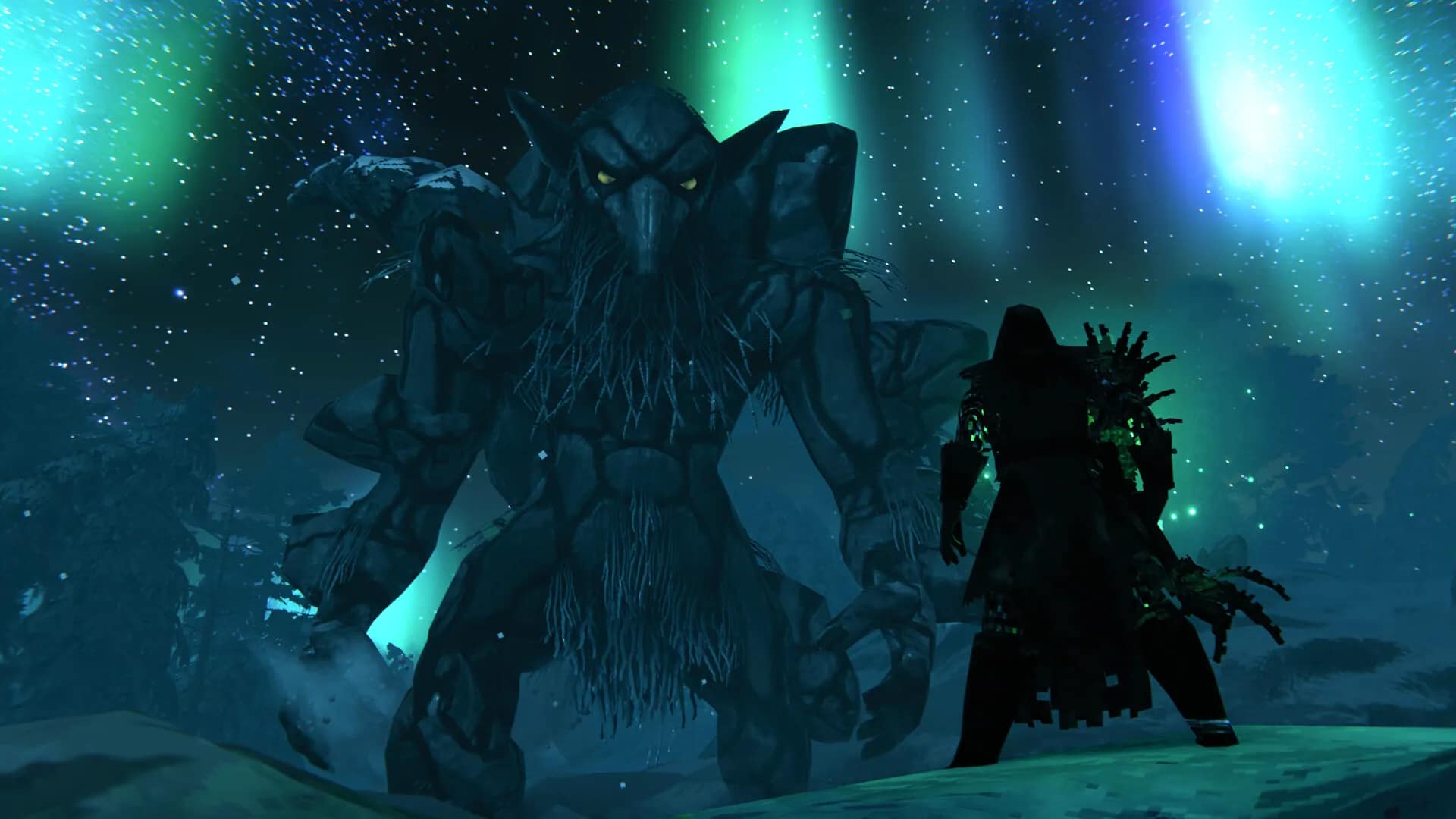
The Deep North
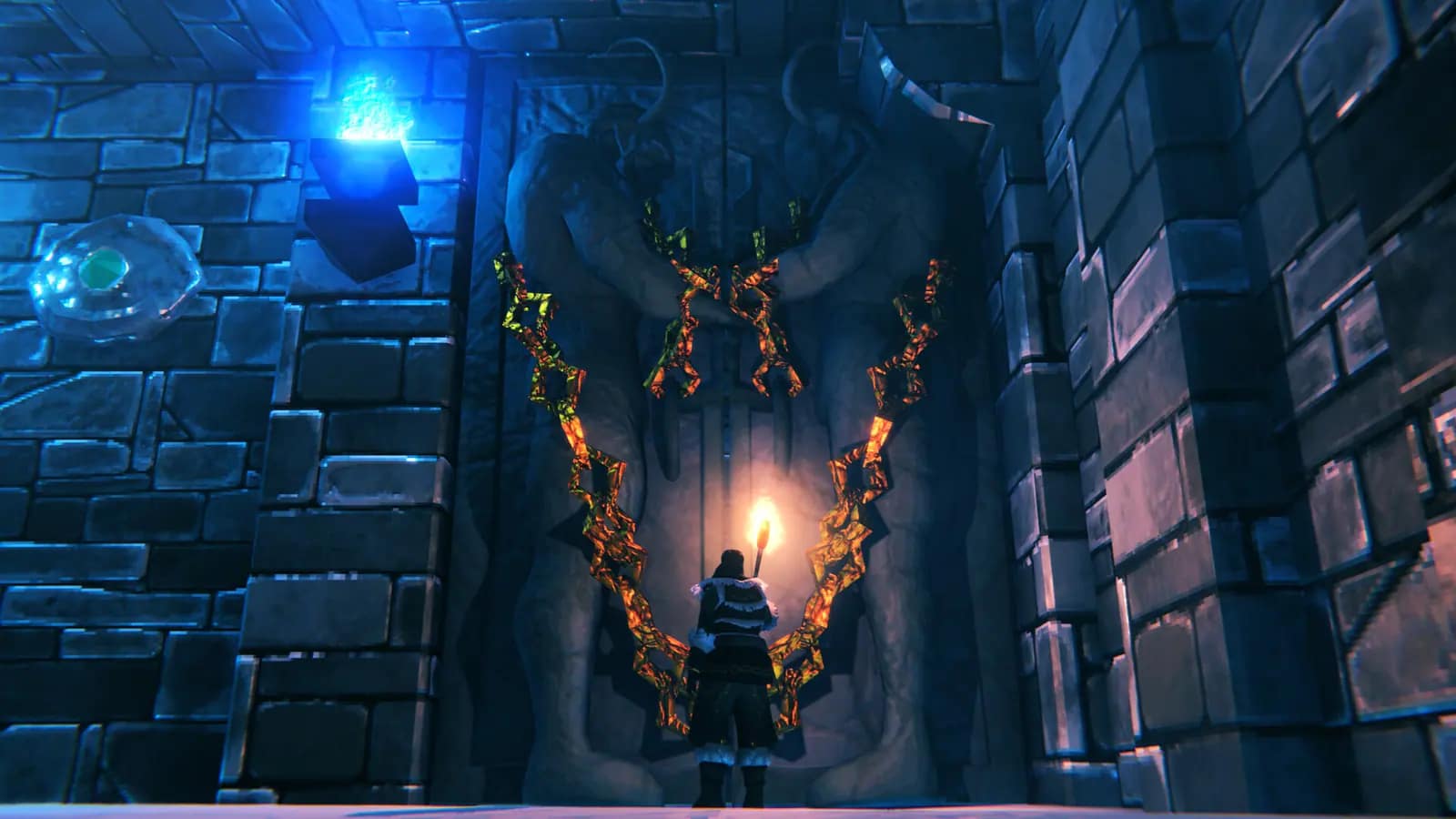
The final biome. On an existing world it generates only in areas nobody has explored; everything you built stays as it was.
PlayStation 5 and Switch 2
Valheim 1.0 launched on both, with crossplay across PC, Xbox, PlayStation and Switch 2 — one server, every platform.
Crossplay and join codes
Console players can only reach a server started with crossplay. It prints a six-digit join code on every boot; the code changes on each restart.
World version 41
Existing worlds are upgraded in place the first time the 1.0 server loads them. Back the world up before that first boot — the upgrade is one-way.
Faster saves, fewer stutters
Iron Gate lists faster saving and fewer zone-loading stutters — and says large builds will not see a dramatic improvement. Size RAM for your world, not the patch notes.
Mods unsupported at 1.0
There is no Steam Workshop. Iron Gate could not guarantee mods survive 1.0, and many broke on launch day. We run vanilla; file access is yours if you want to experiment.
Valheim 1.0 released 9 September 2026. Every Connect server runs build 1.0.7 or newer and updates itself from Steam on restart.
Crossplay
Valheim Crossplay Server: One World for PC and Console
Valheim 1.0 put the game on PlayStation 5 and Switch 2 with crossplay across every platform. A dedicated server is how a mixed crew shares one persistent world — it runs 24/7, nobody has to keep a PC on, and console friends join with a code instead of an invite that dies when the host logs off.
- Every Connect server starts with crossplay on — without it, only Steam players can see or join
- The join code is printed in your panel console on every boot and changes after each restart
- One password for every platform; Public Server on lists it in the in-game Community tab
- Server and clients must match versions — automatic updates on restart keep you in step
How Each Platform Joins Your Valheim Server
| Platform | How to join | Before you try |
|---|---|---|
| PlayStation 5 | Join Game → Join Code | Turn the join screen’s “PlayStation Network Only” toggle off to see crossplay servers. |
| Nintendo Switch 2 | Join Game → Join Code | Allow online play and crossplay in the console’s privacy settings. |
| Xbox | Join Game → Join Code | Enable “allow play with people outside Xbox” in privacy settings. |
| PC — Steam, Microsoft Store, Mac | Join Code, Join IP with host:port, or the Community list | Any route; the IP and port never change. |
The join code is issued fresh on every boot. Share the newest one from your console after any restart; your IP and port never change. A friend who sees “Incompatible version” needs a game update — the server updates itself on restart.
FAQ
Valheim Server Hosting FAQ
Want the technical detail? Browse our Valheim server guides — crossplay and join codes, 1.0 updates, RAM sizing and world migration.
Guides & help
Valheim Dedicated Server Guides, Written on 1.0
Every guide below was written from running the 1.0 dedicated server the day it shipped — the same setup, join codes and save paths your Connect server uses.
Valheim server guides
- Valheim dedicated server setup guideSteamCMD, every launch argument, the crossplay flag, systemd and updates.
- How PS5, Xbox and Switch 2 players join a Valheim serverJoin codes, why they change on restart, memberships and console admin IDs.
- What Valheim 1.0 changed for server ownersWorld version 41, the Deep North, performance notes and the safe update order.
- The Deep North on an existing worldWhere the new biome appears and what to do when the north is already mapped.
- Valheim mods broken after 1.0Get a BepInEx server booting again and re-add mods without repeating the outage.
- How much RAM a Valheim server needsMeasured on 1.0: why builds and exploration drive memory, not players.
- Move your Valheim world to a dedicated serverOne folder and a name — and every character comes along for free.
- Valheim world modifiers on a dedicated serverEvery preset, modifier and key, the ordering rule that undoes them, and changing a world you already play.
- Valheim admin commands on a dedicated serveradminlist.txt, the 1.0 ID format, kick and ban — and why devcommands is refused on a server.
- Valheim server hosting vs self-hostingPlayer-hosted, home box, VPS or host: the honest cost and failure modes of each.
- Best Valheim server hosting in 2026, comparedFour hosts on RAM and price — and why Valheim’s 10-player cap makes slot counts meaningless.
All posts: Valheim server guides on the blog
Help centre
- Getting started with your Valheim server
- Crossplay and join codes for console players
- Players can’t join my Valheim server
- Backups, saves and uploading a world
- Changing your Valheim server settings
- Valheim 1.0 updates and mods
- Which Valheim server plan do you need?
Something else? Browse the help centre or open a ticket from your dashboard — support answers around the clock.